Working with your assistant
Working in a chat
Give your assistant tasks and get answers.
In the “Chat” window you talk to your assistant as you would to a colleague. Write in your own words what you need. If necessary, it reads your mail, calendar and files for this and tells you what it did.
The chat window
 Windows
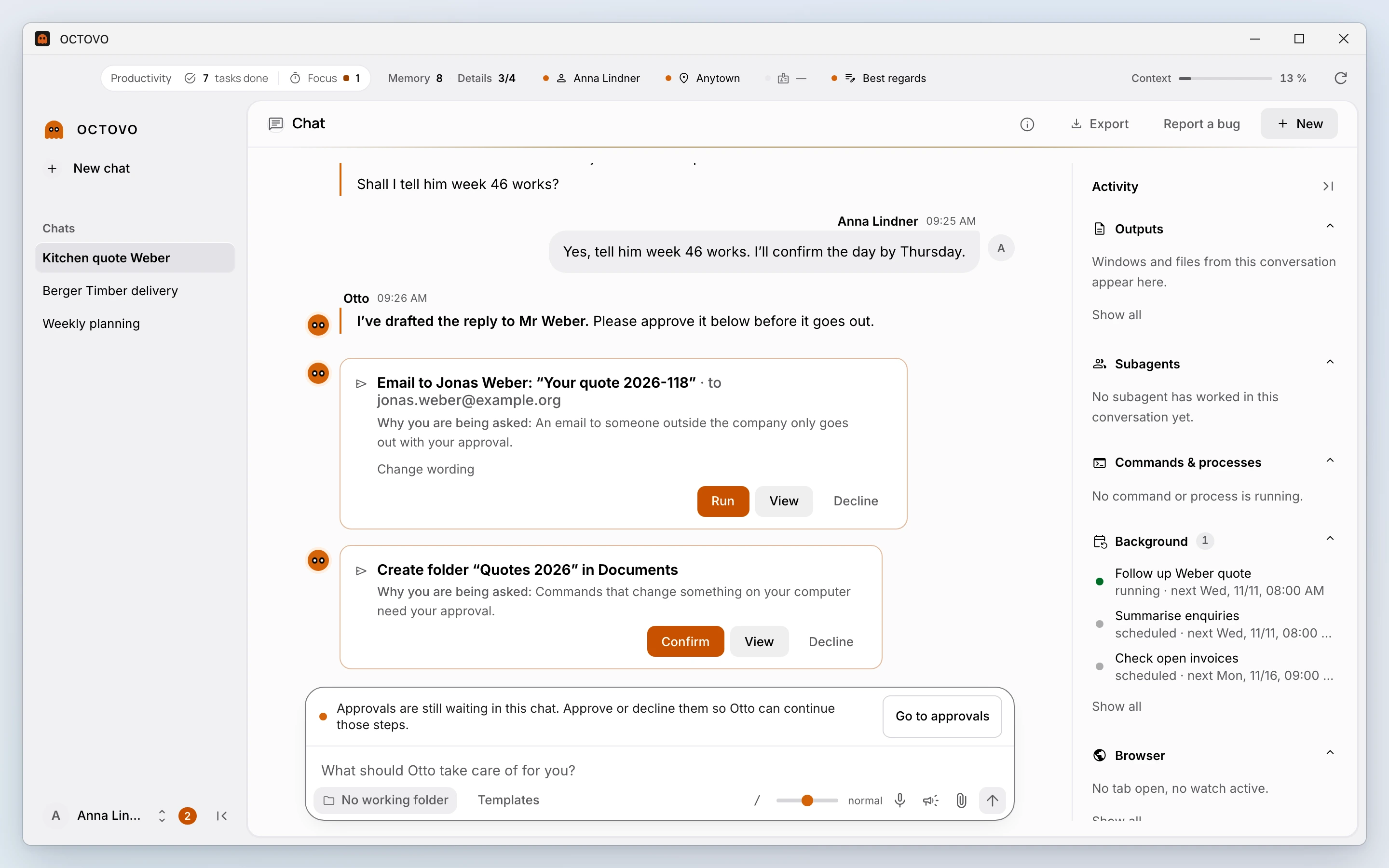
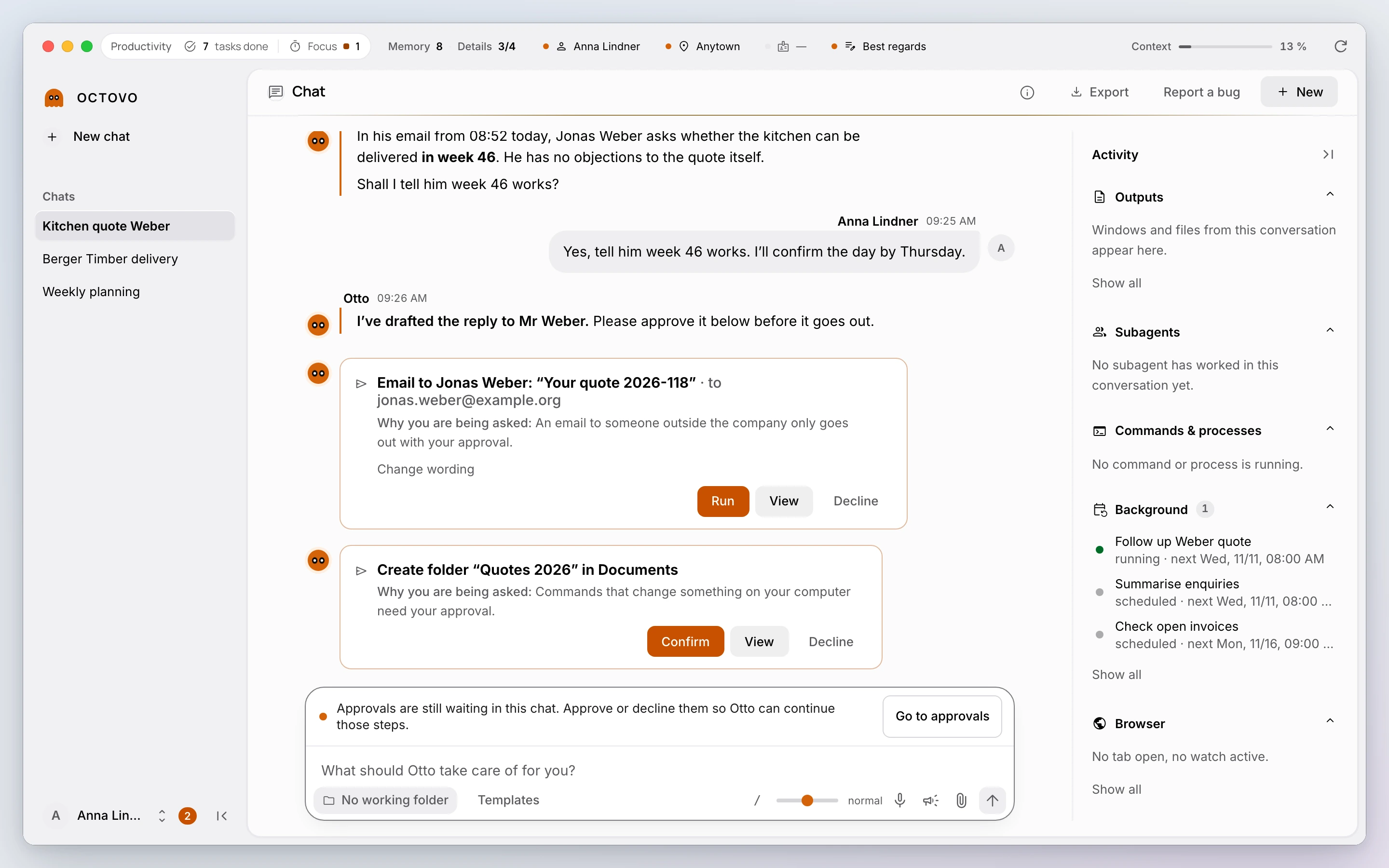
The conversation runs at the top, you type at the bottom. While the chat is empty it says “What is on your mind?”. Enter sends, Shift and Enter adds a new line. If you write while your assistant is still working, it replies with “Received. It goes into the next turn.”
What you see:
- Input field write your request here.
- Send sends your request.
- Step list shows what your assistant is doing, such as “Understanding the question”, “Looking around”, “Using a tool” or “Putting the answer together”.
- Waiting for your yes a step needs your approval. “Go to approvals” takes you there.
- Copy message copies an answer to the clipboard.
- New chat starts a fresh conversation.
Commands with a slash
 Windows
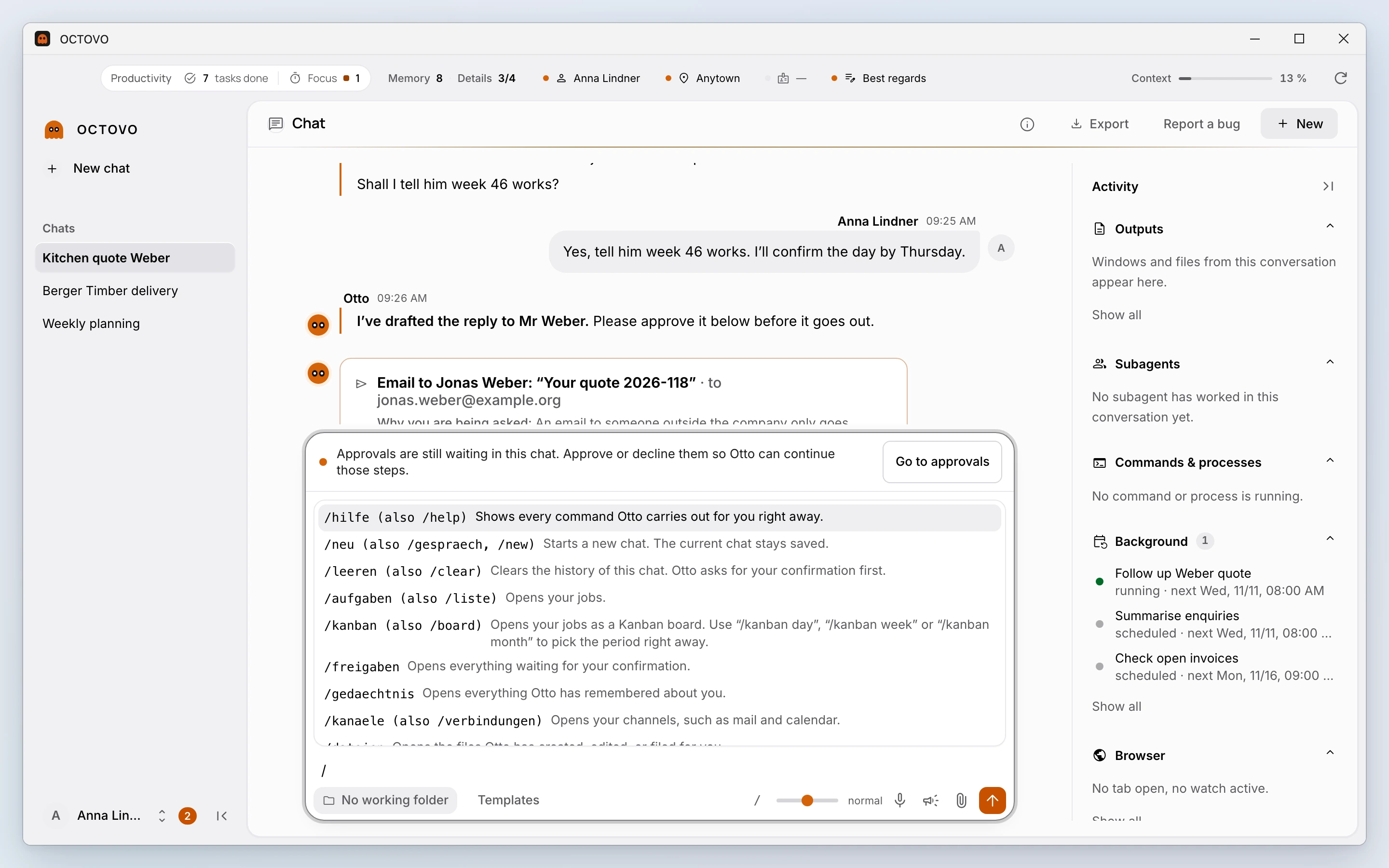
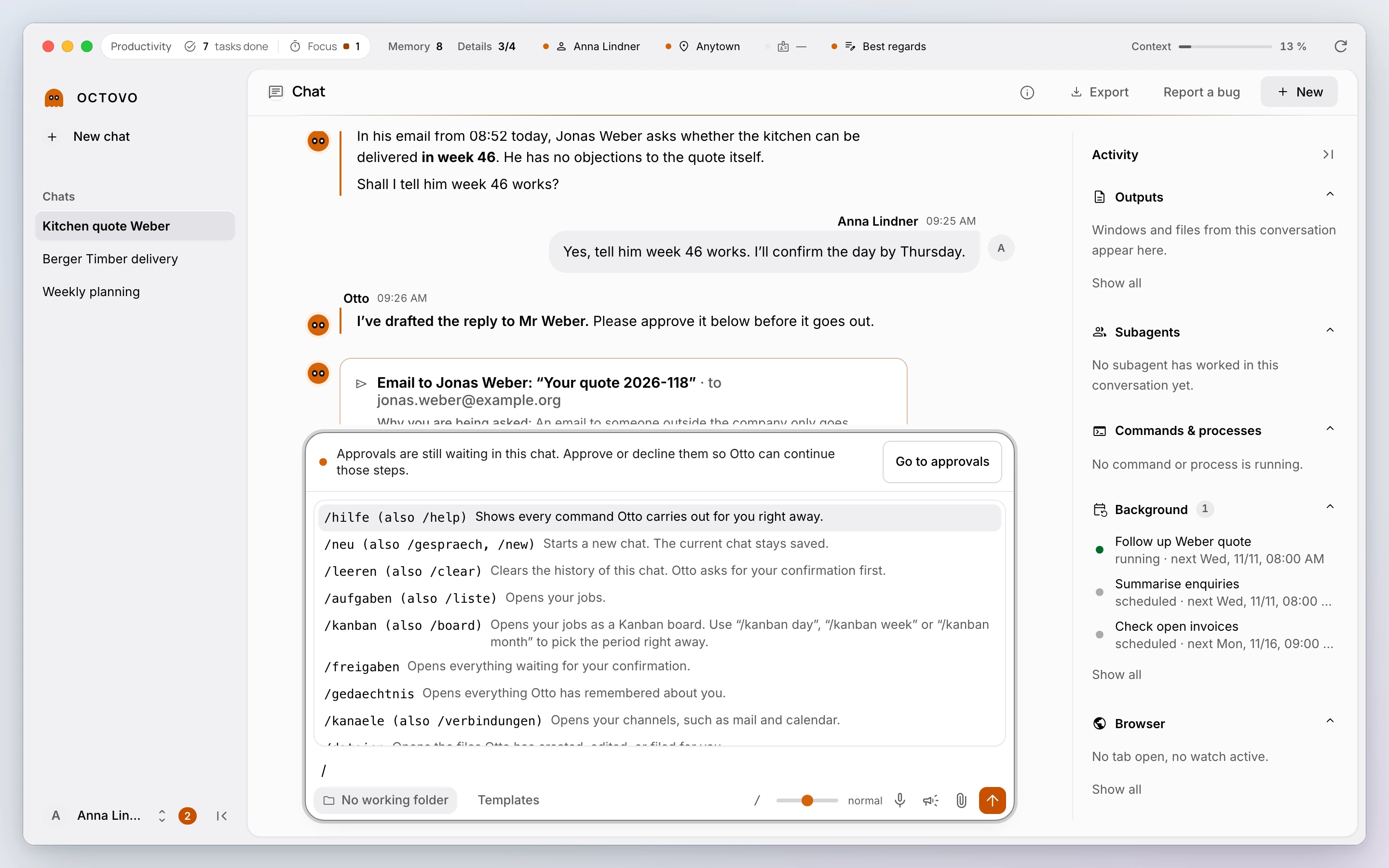
If you type a slash, the input field shows the list of commands. The arrow keys choose, Enter takes it, Escape closes it. Your assistant carries out the built-in commands right away, with no detour through the model, and your allowance stays untouched. If your text really should begin with a slash, type two of them.
What you see:
- /hilfe shows every command with an explanation.
- /neu starts a new chat; the current chat stays saved.
- /notaus and /weiter stops everything at once or resumes.
- /fokus 25 starts a focus phase of 25 minutes.
- /kanban woche opens your jobs as a Kanban board, also with “tag” (day) or “monat” (month).
- /model opens the choice of models.
- /leeren clears the history of this chat after you confirm.
- /hell, /dunkel, /automatisch switches the appearance to light, dark or automatic.
Templates in the input field
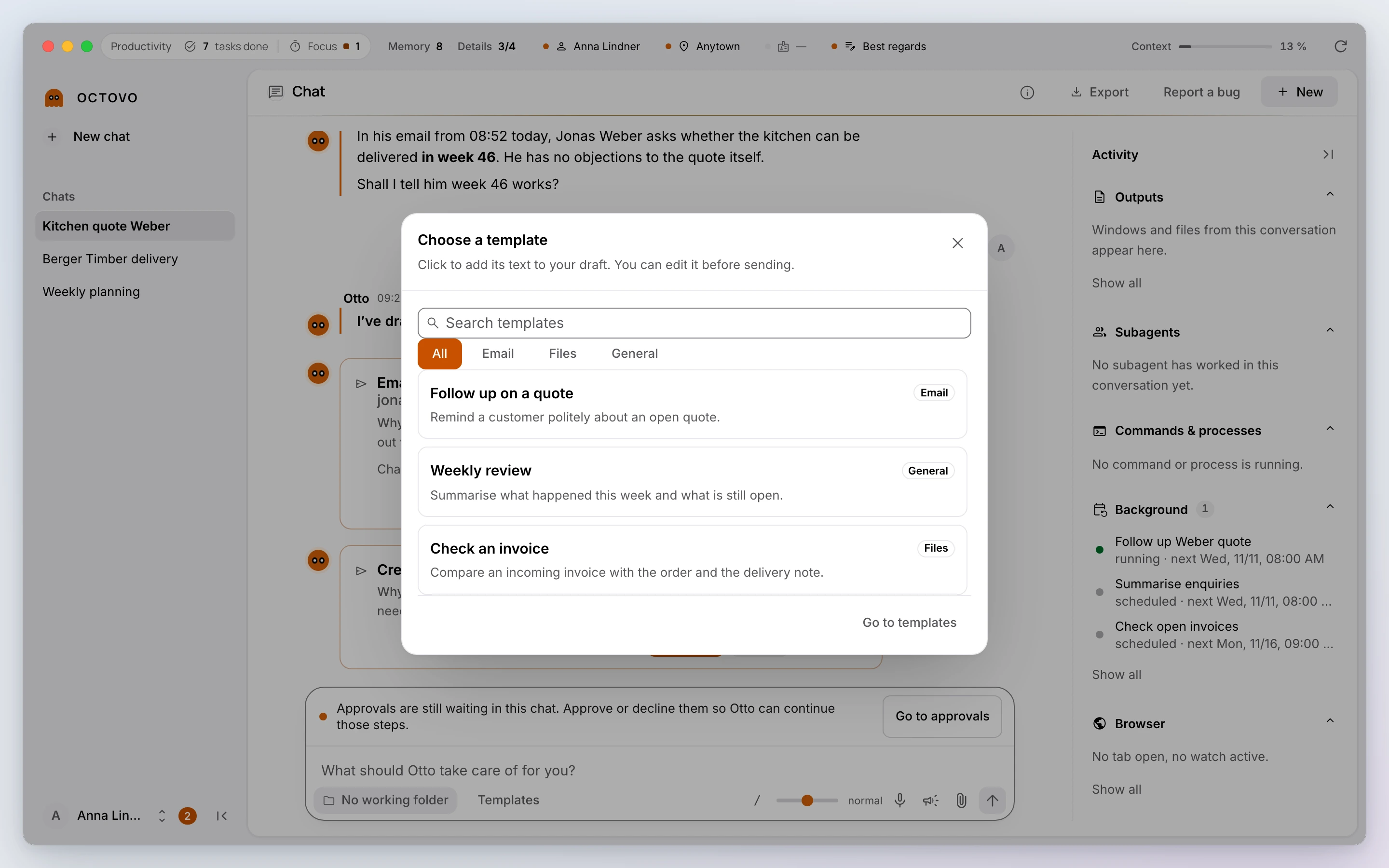 Windows
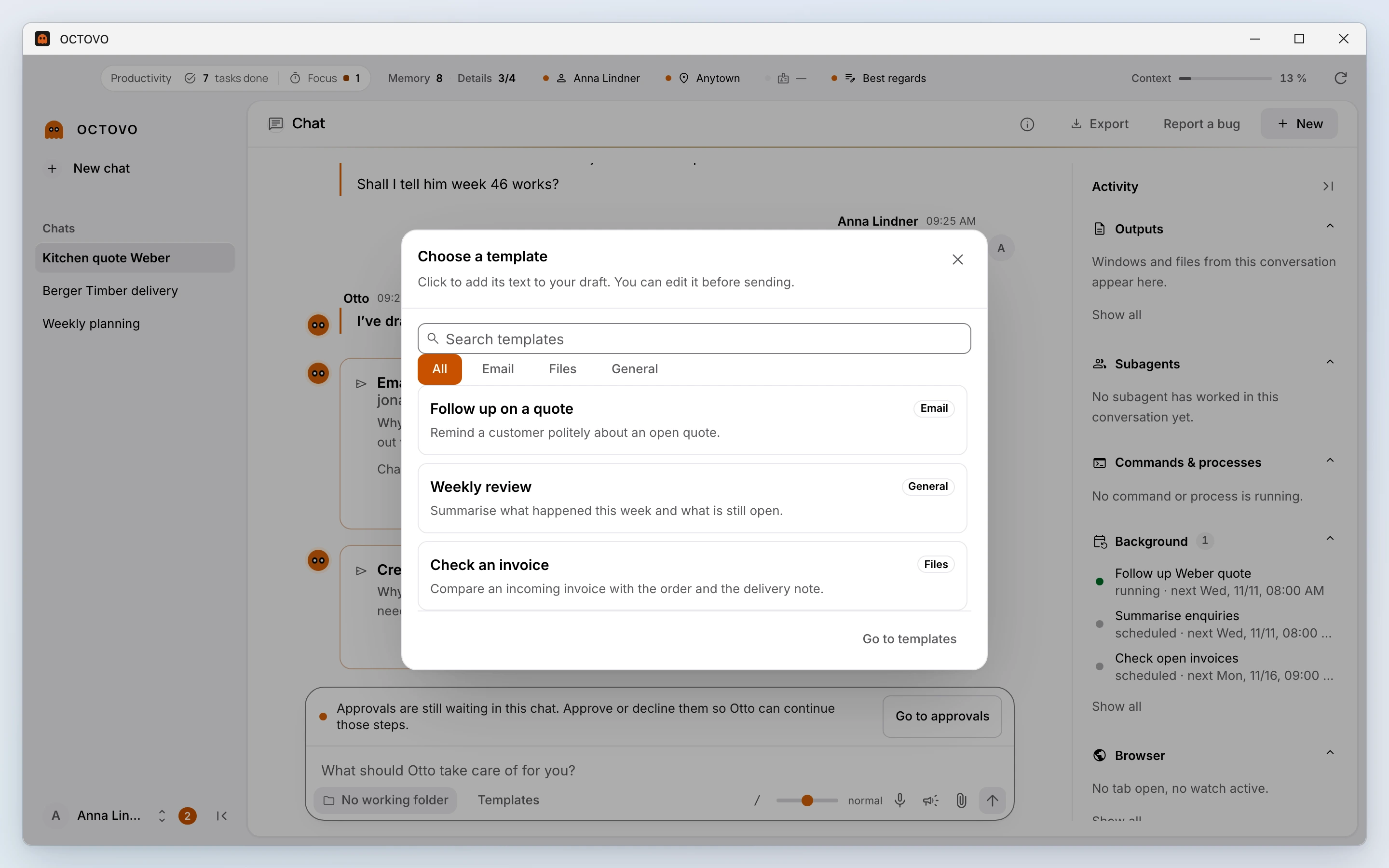
You do not have to retype frequent requests. “Prompts” at the input field opens “Choose a template”. One click puts the template text into your draft. You can still adjust it before sending.
What you see:
- Prompts opens the templates from your library.