Working with your assistant
Approvals
Decide what goes out.
Your assistant shows you everything with outside effect before it happens: an email, a message, a command on your device, a payment or deleting for good. These items collect under “Approvals”. How much it asks first depends on the level you have set (see “How independently your assistant works”).
The approvals list
 Windows
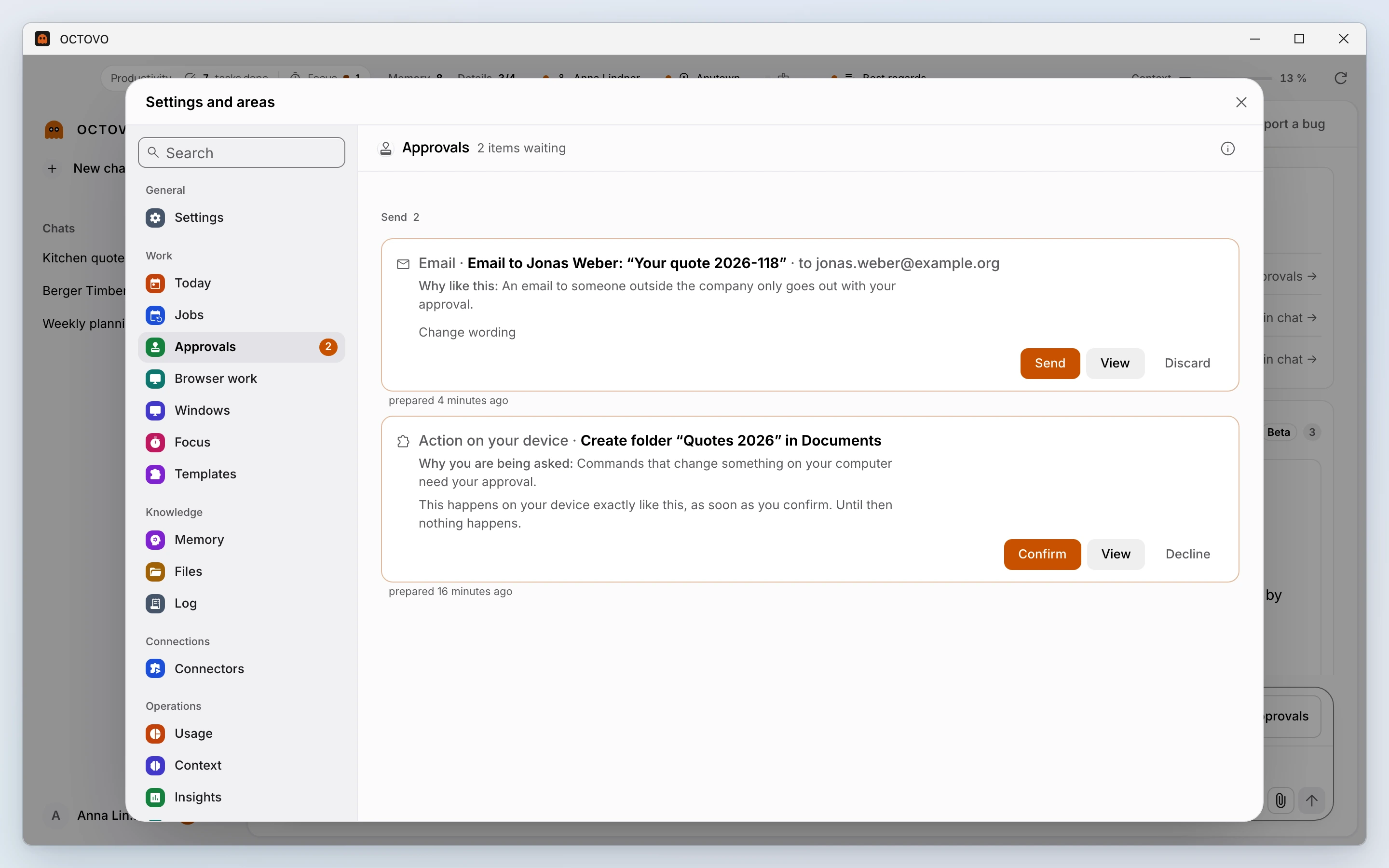
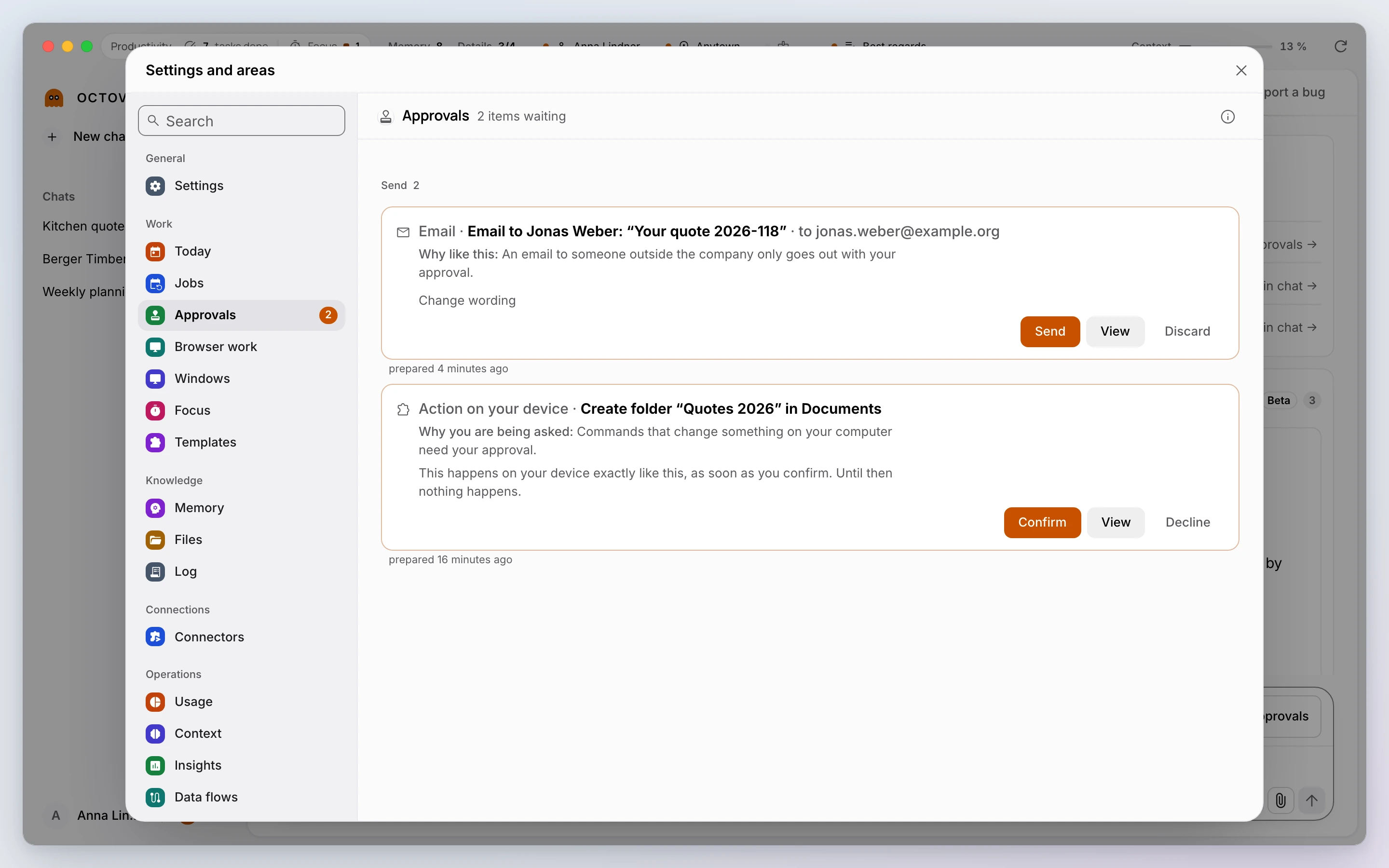
Approvals are grouped by weight. If nothing is pending, you see that nothing is waiting for you.
What you see:
- Groups Read, Draft, Send, Money / Delete.
- Kind for example email, message, command on your device, external tool.
- Why it asks explains why this action is being shown to you.
Approving an email
 Windows
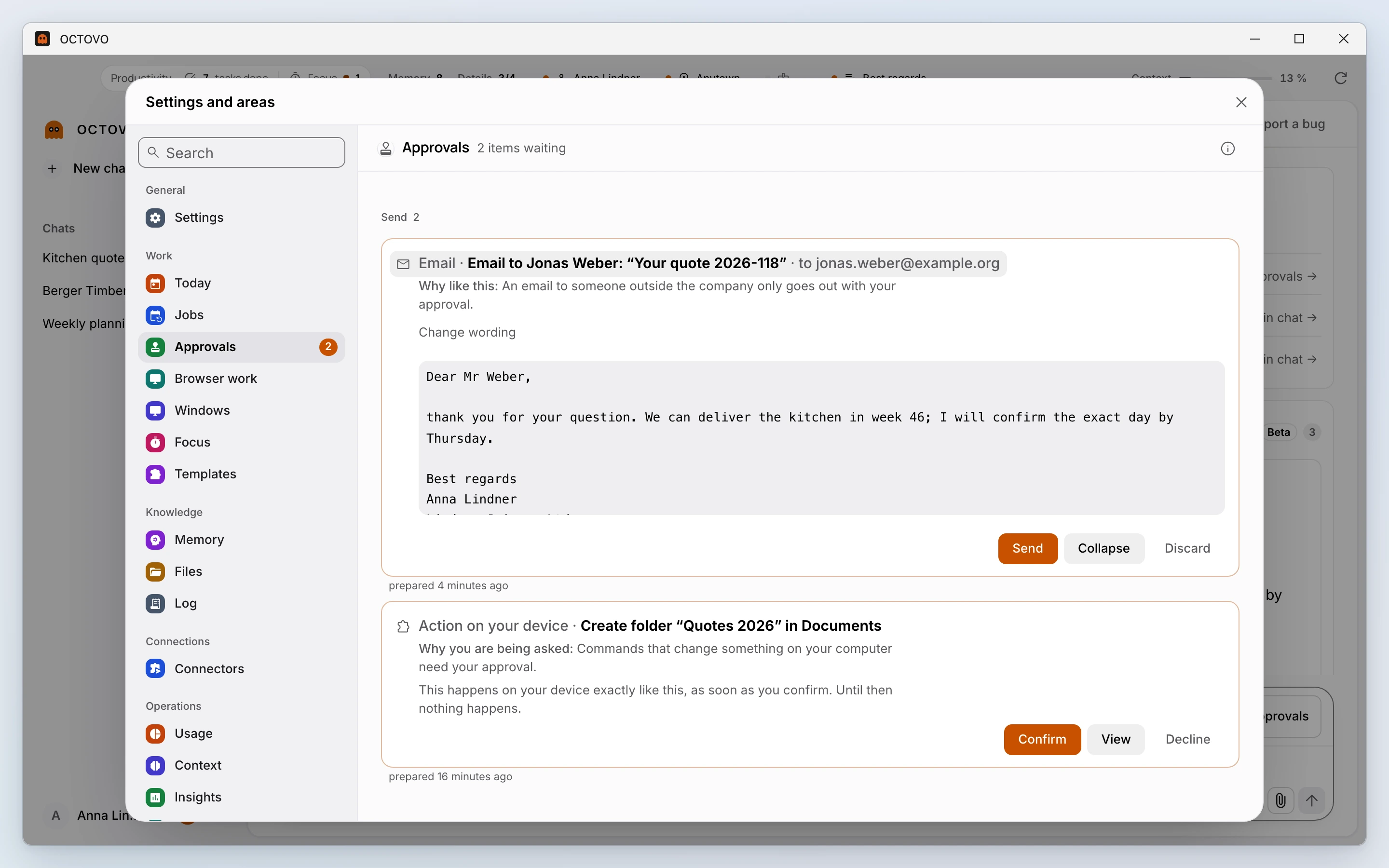
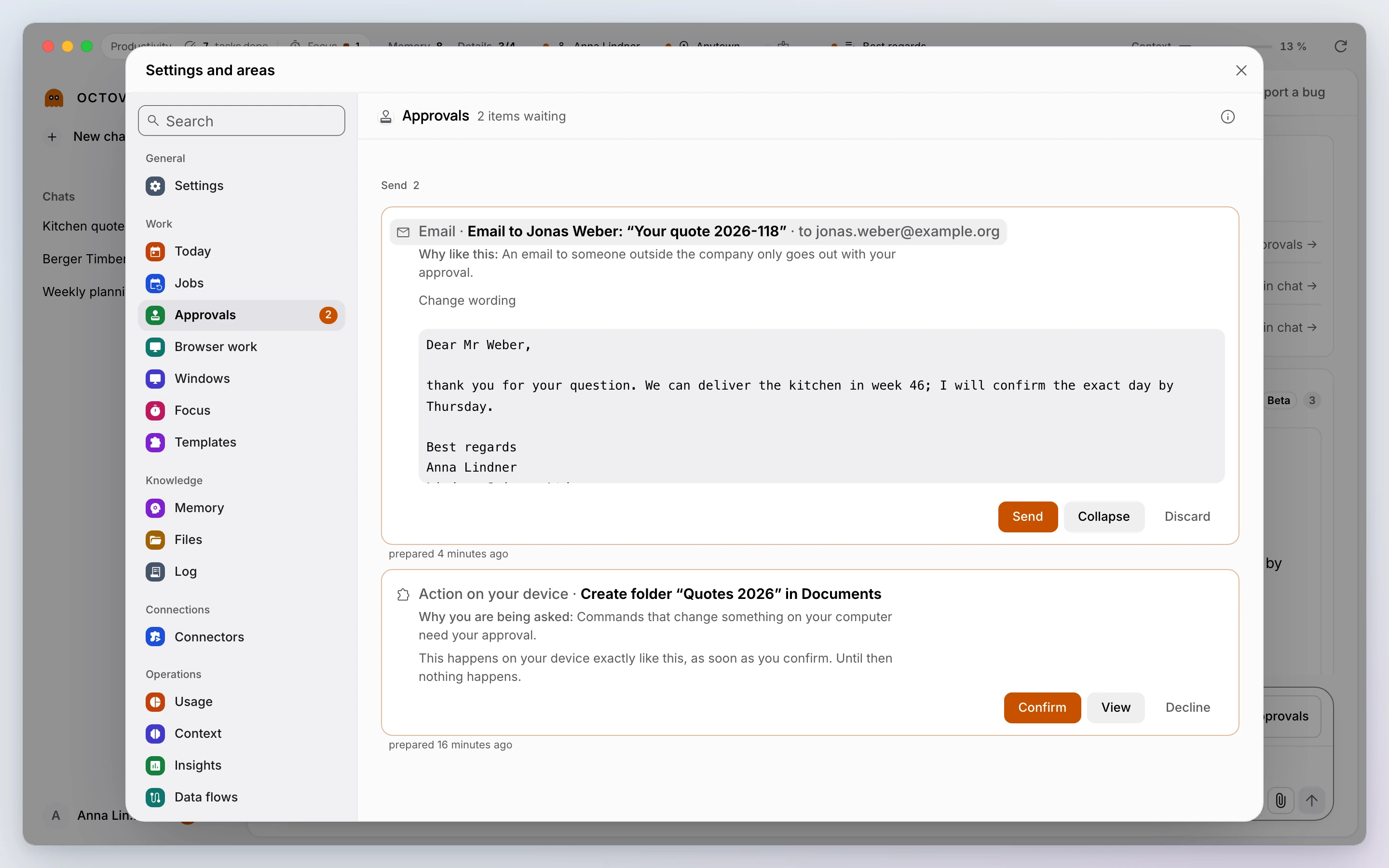
You see the email exactly as it will go out. You can change the wording before sending.
What you see:
- Send sends the email.
- Change wording opens the text for editing.
- Decline the email does not go out.
- Formatted / Plain text switches the view.
- Load images shows embedded images.
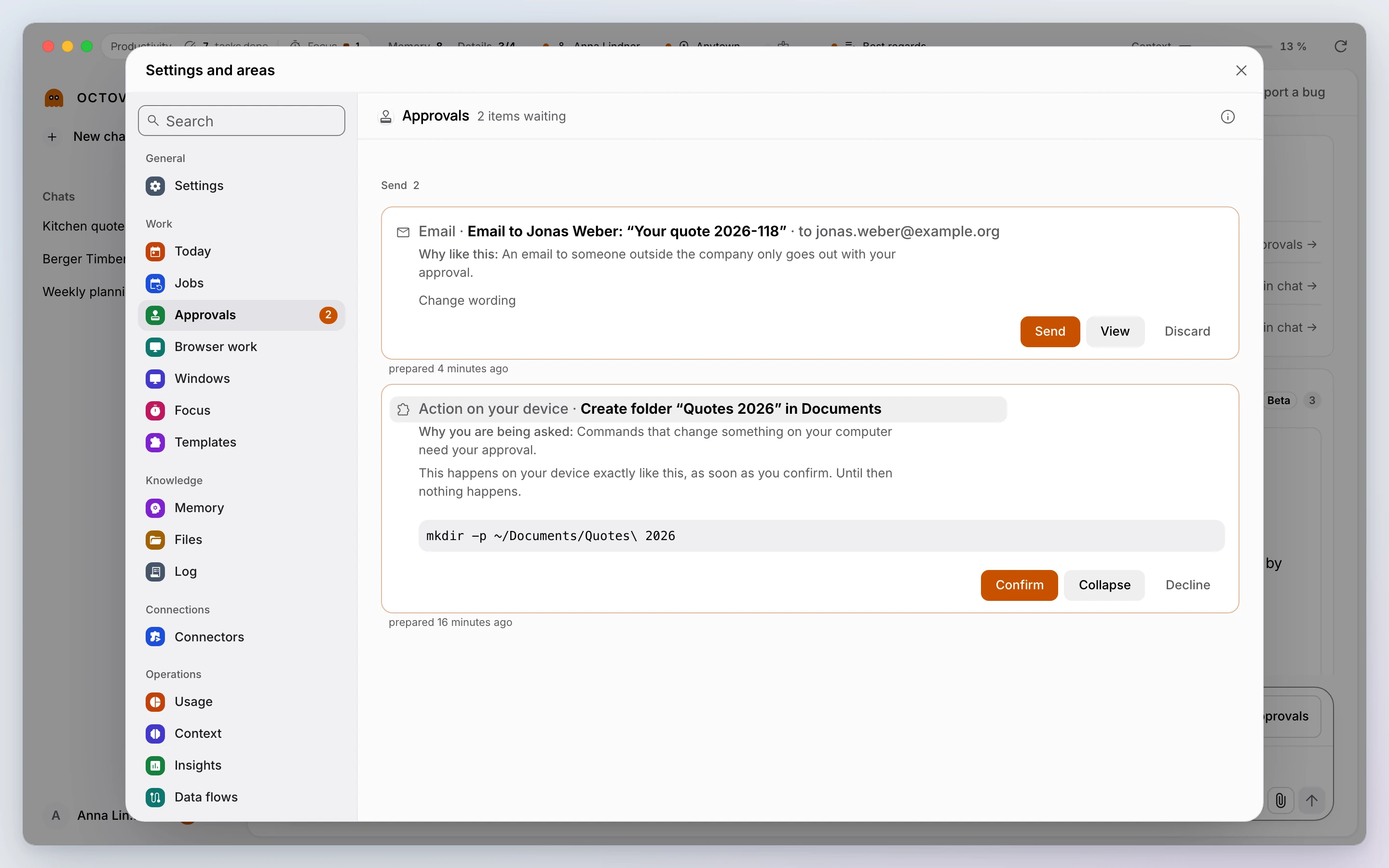
Approving a command
 Windows
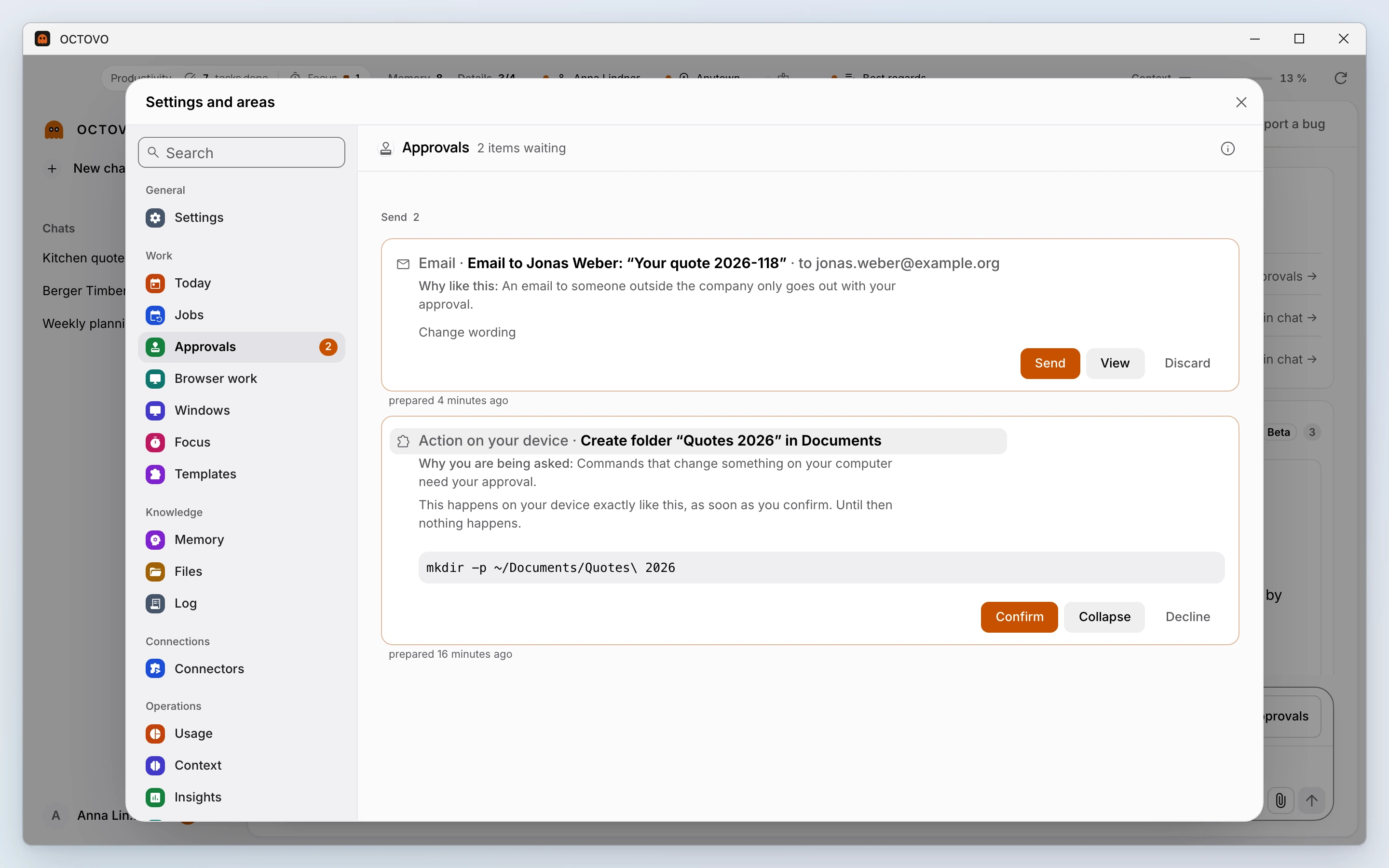
For commands on your device you see the exact command. You can allow external tools once or trust the server permanently.
What you see:
- Exact command precisely what will run.
- Run runs the command.
- Always trust this server for external tools: no more asking in future.
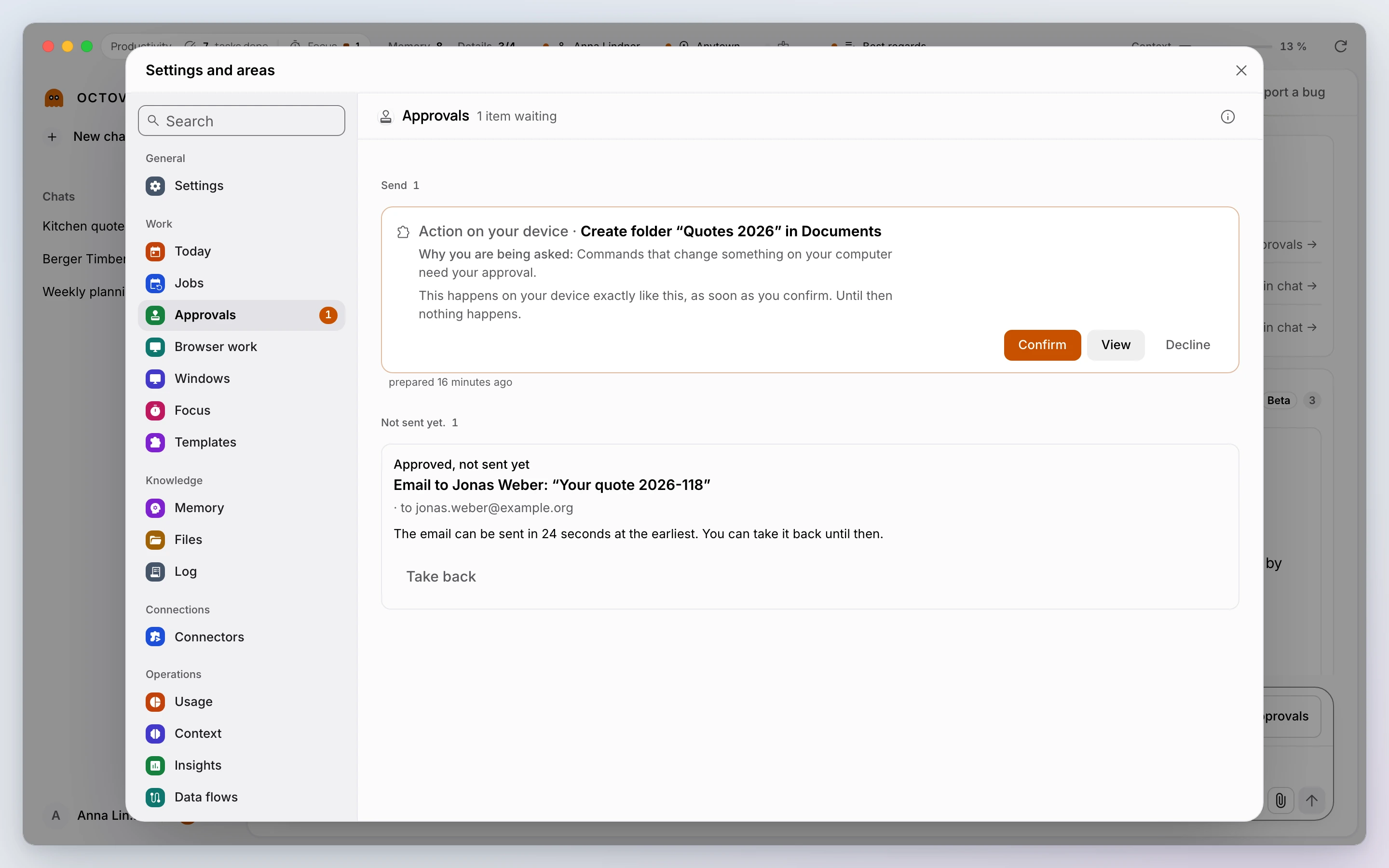
Recalling
 Windows
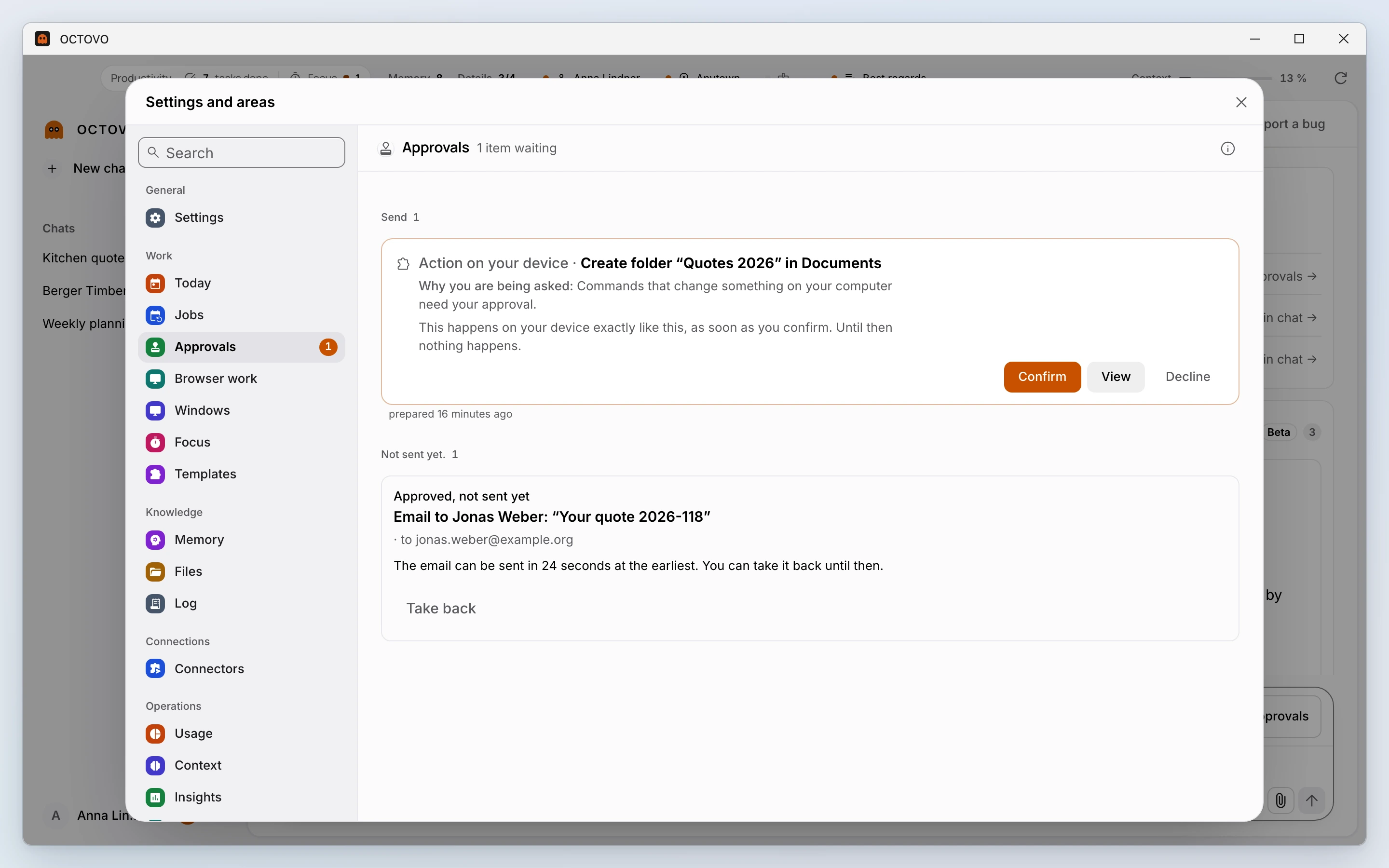
An approved email is held back briefly. During that time it shows as approved but not yet sent, and you can stop it with “Recall”.
What you see:
- Recall pulls the email back before it goes out.
← Back: Model and thinking level · Next: How independently your assistant works →