Working with your assistant
Focus
Work without interruptions.
In Focus you work for a while without interruptions. Your assistant holds back system notifications while it runs.
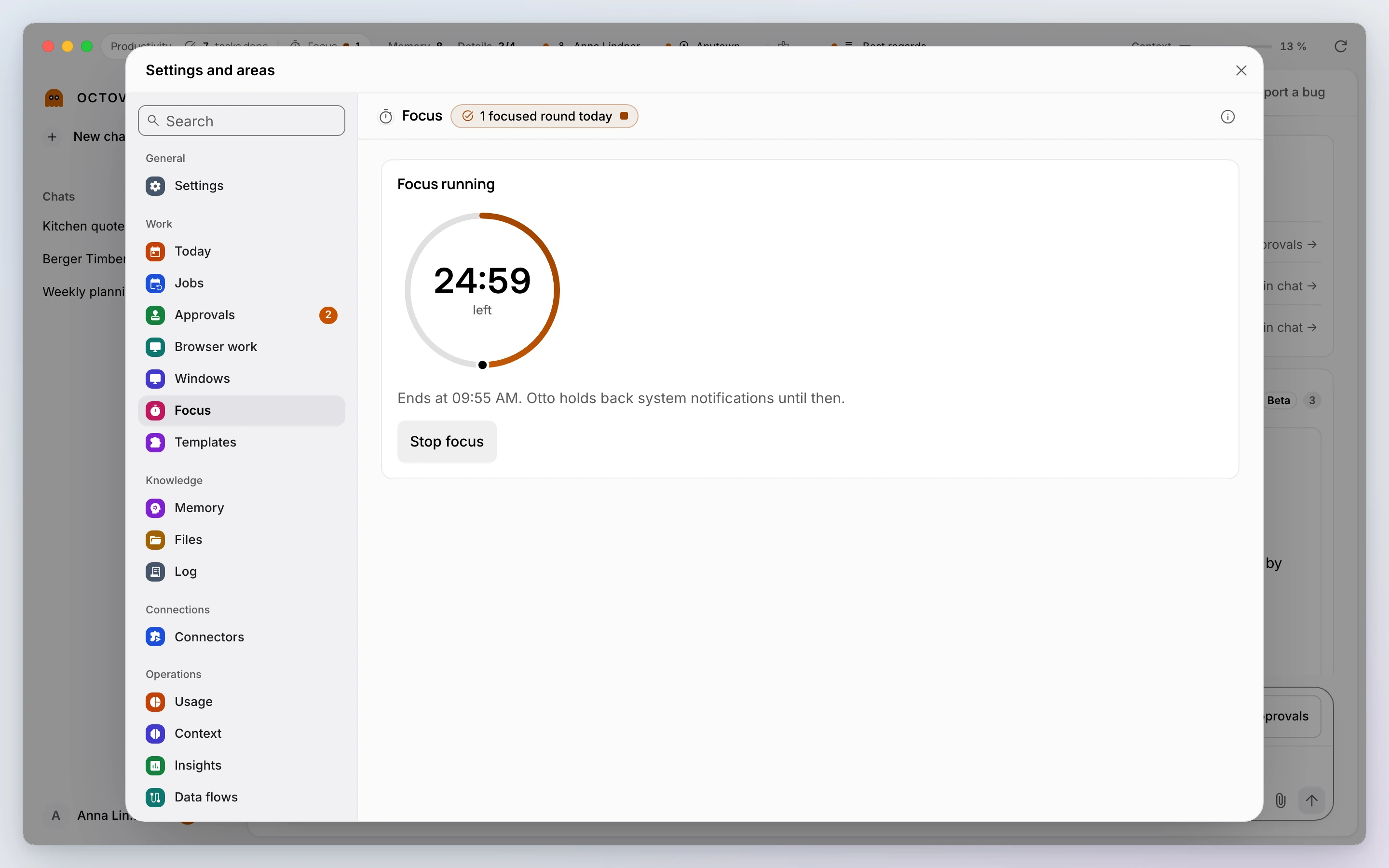
The “Focus” window
 Windows
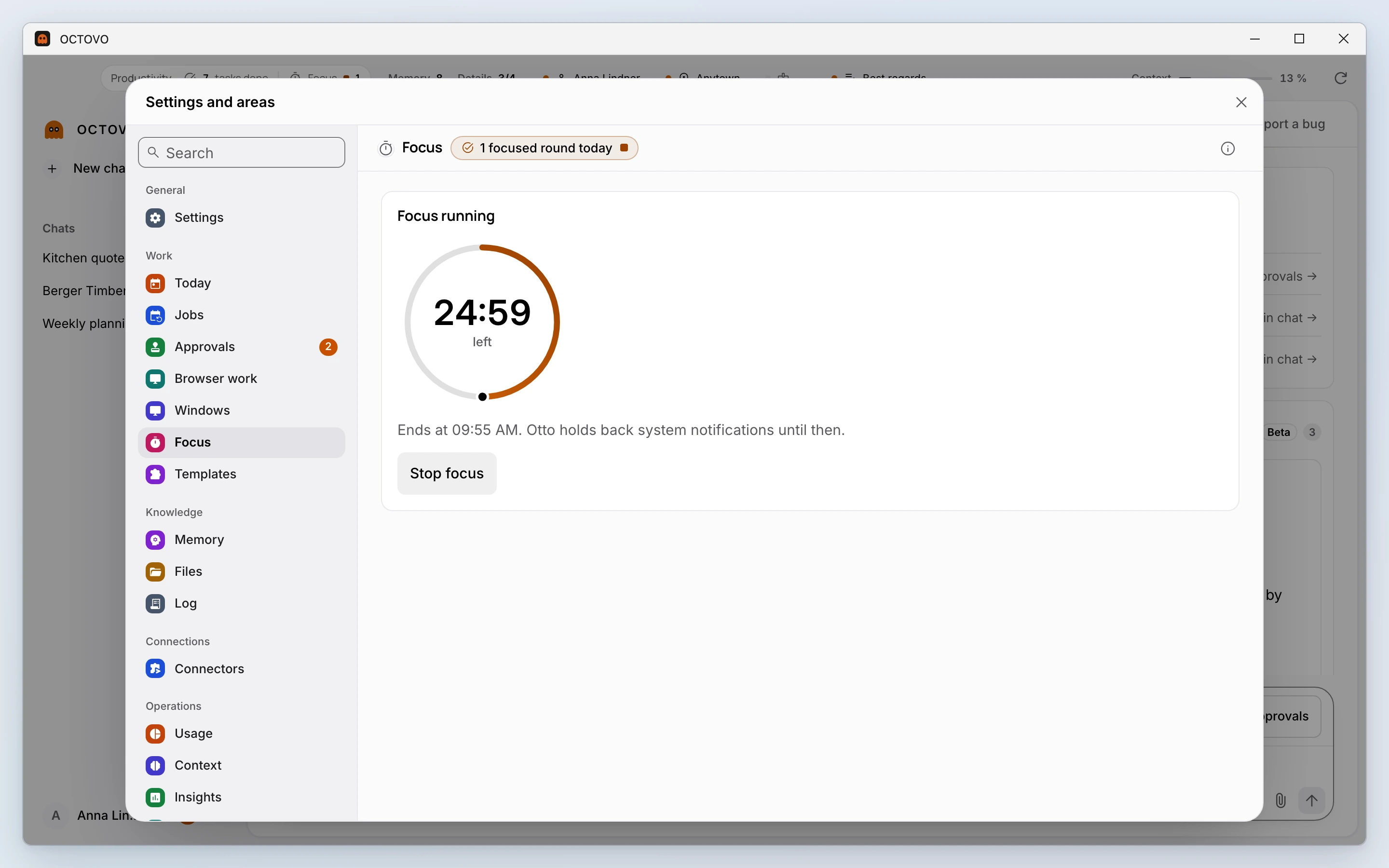
Choose a duration and start Focus. Quicker in a chat: /fokus 25.
What you see:
- No focus running / Focus running / Focus finished the current state.
- Duration buttons a fixed duration in minutes.
- Custom duration in minutes 5 to 240 minutes.
- Start focus starts Focus.
- Stop focus ends it early.
← Back: Templates and shortcuts · Next: Connectors at a glance →