Today and the day board
Activity and log
Trace what your assistant has done.
On this page
Everything your assistant does is recorded in the log. The “Today’s work” tile on the day board sums up the current day.
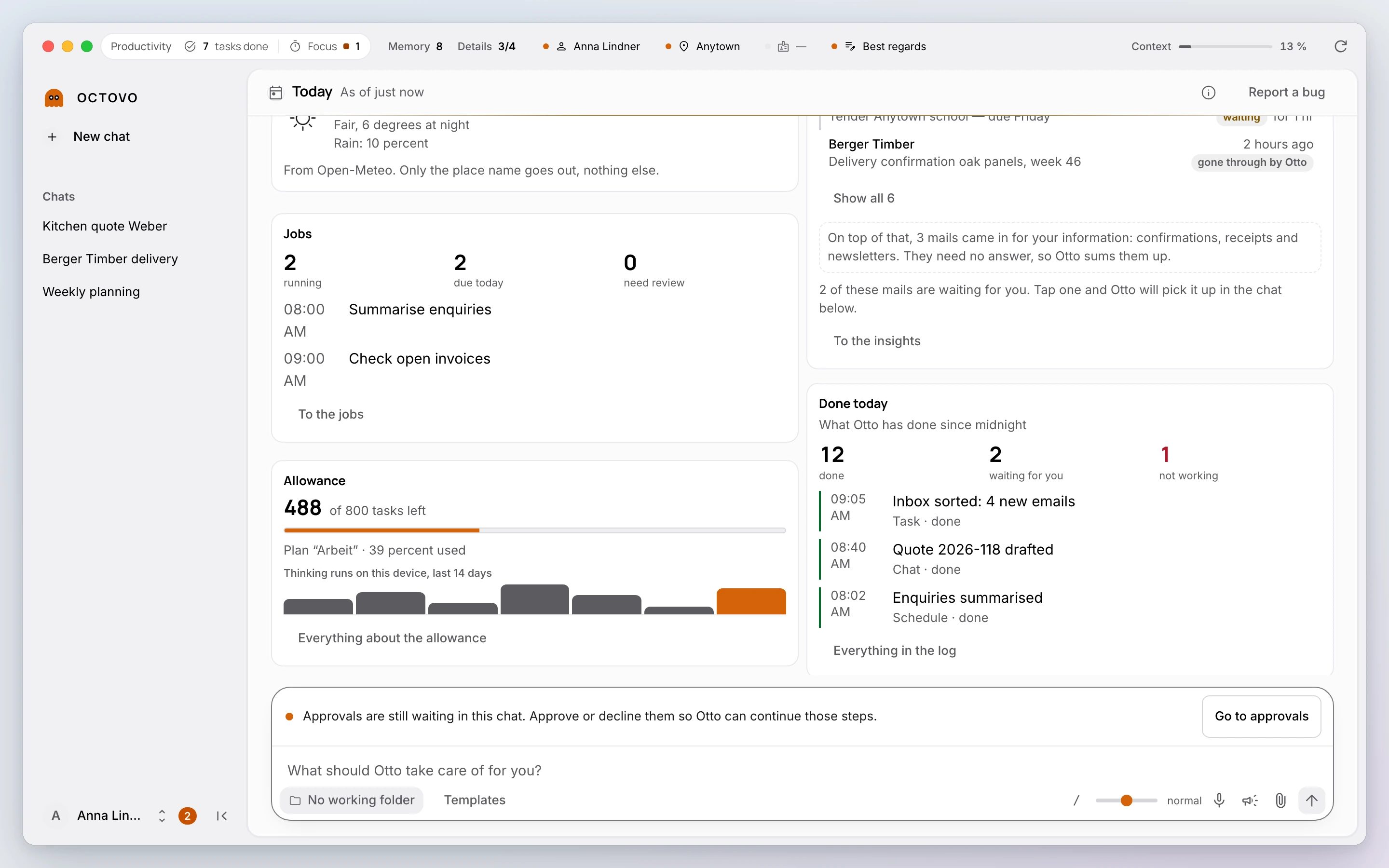
Today’s work
 Windows
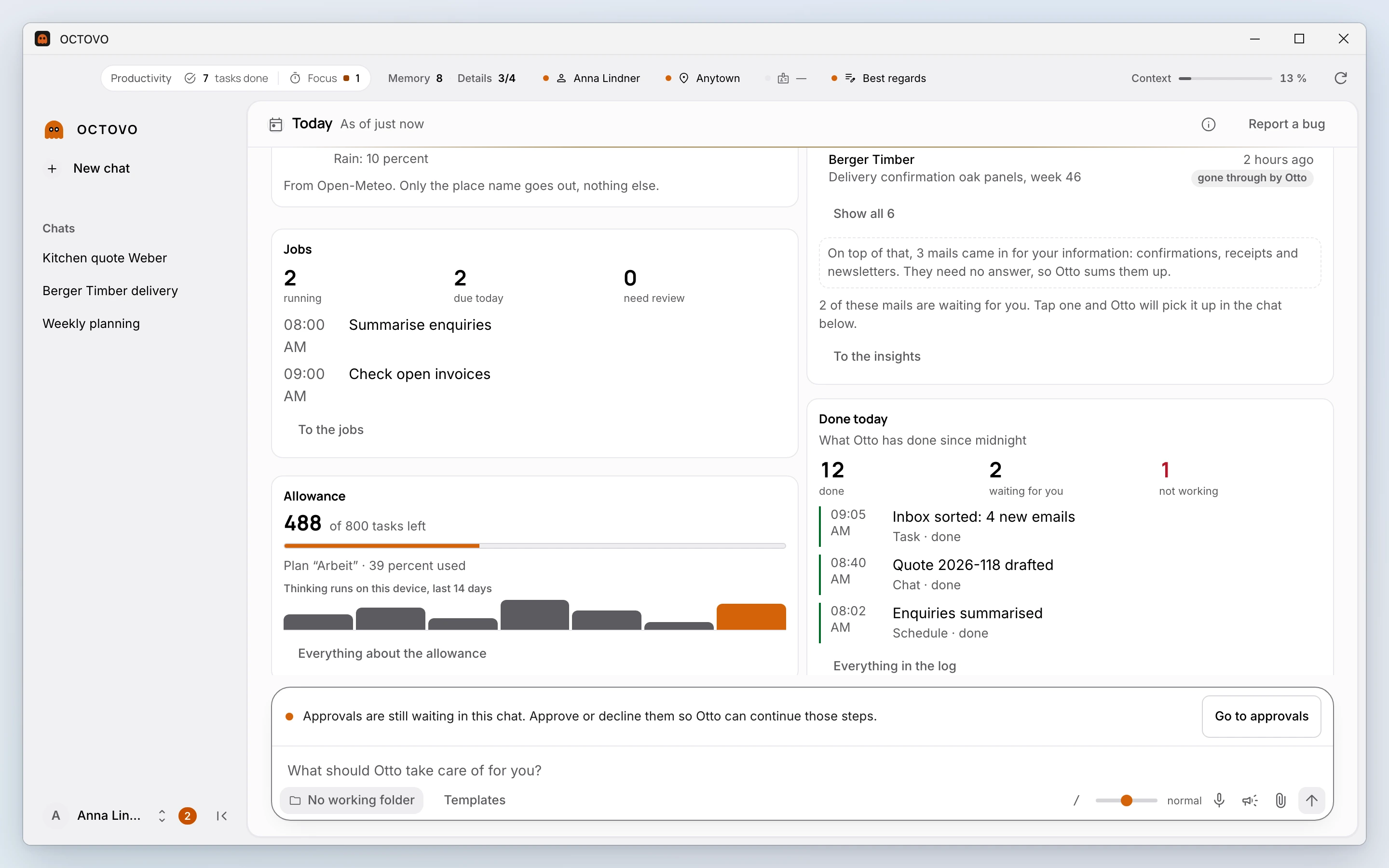
The tile counts what is done, failed or waiting.
What you see:
- done / faulty / waiting the state of each run.
- Everything in the log opens the full log.
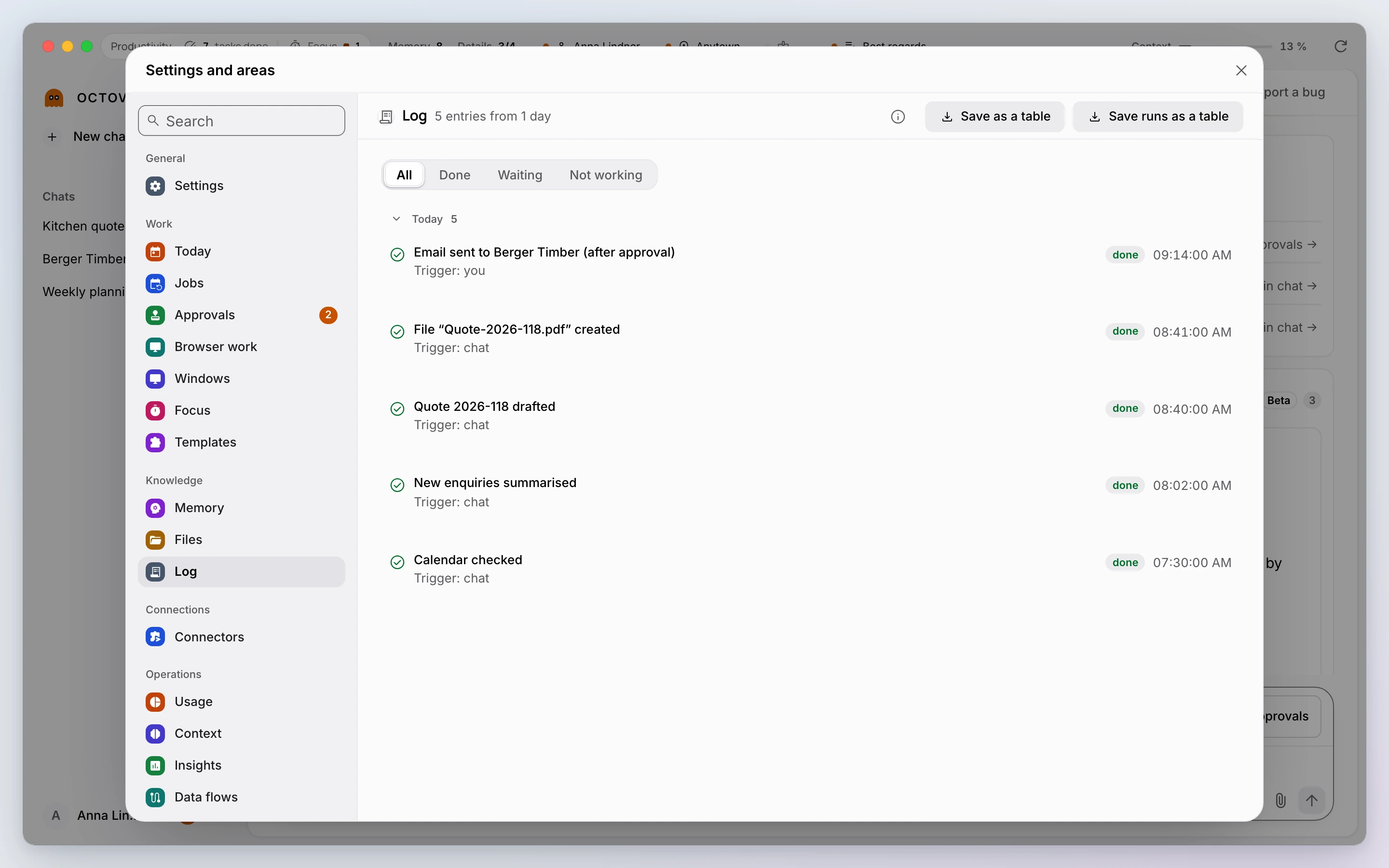
The log
 Windows
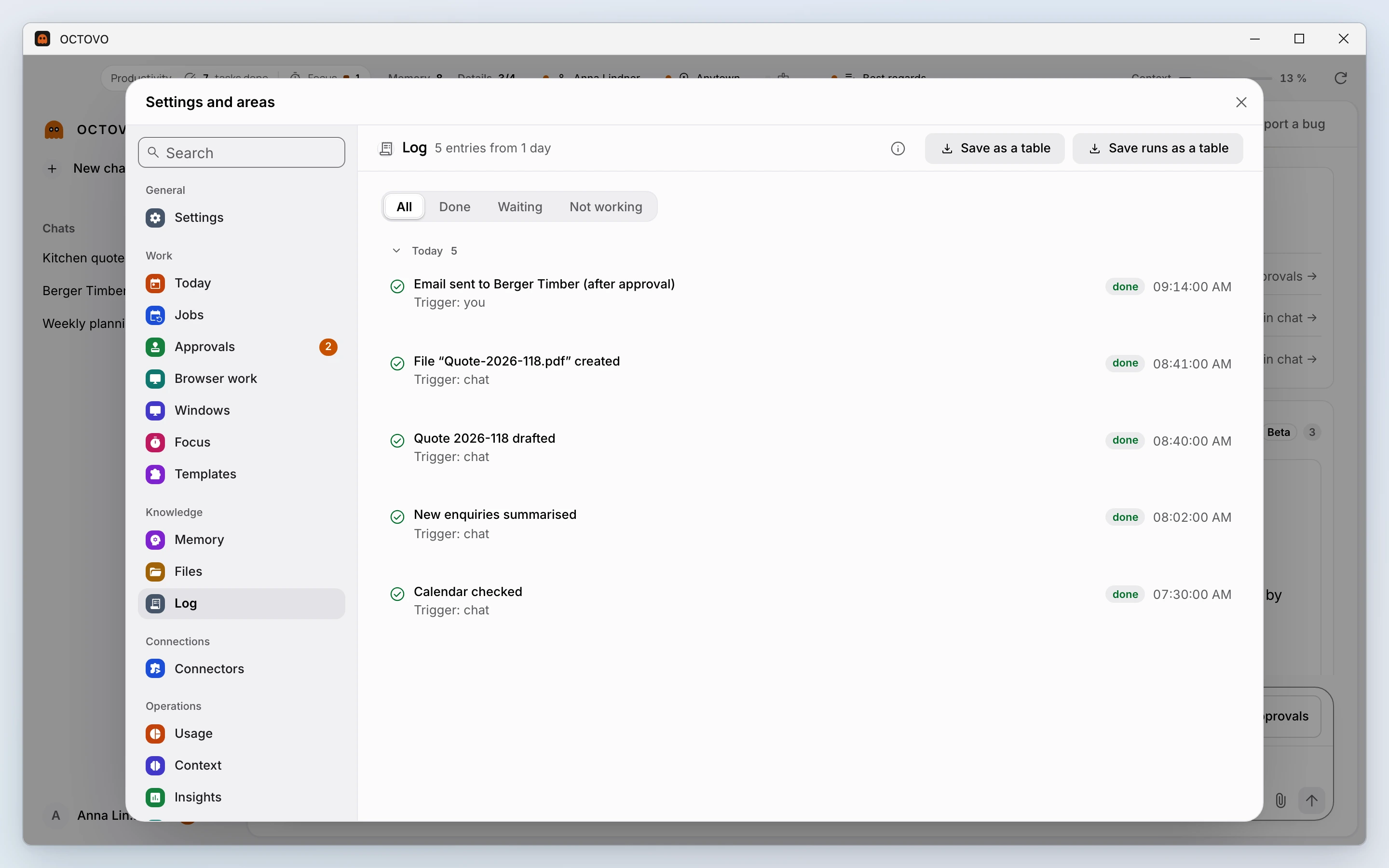
The log lists every action with time and result.
What you see:
- Show all clears filters.
- Show the details shows the details of an action.
- Save as a table saves the log as a table.