Troubleshooting and FAQ
Report a bug
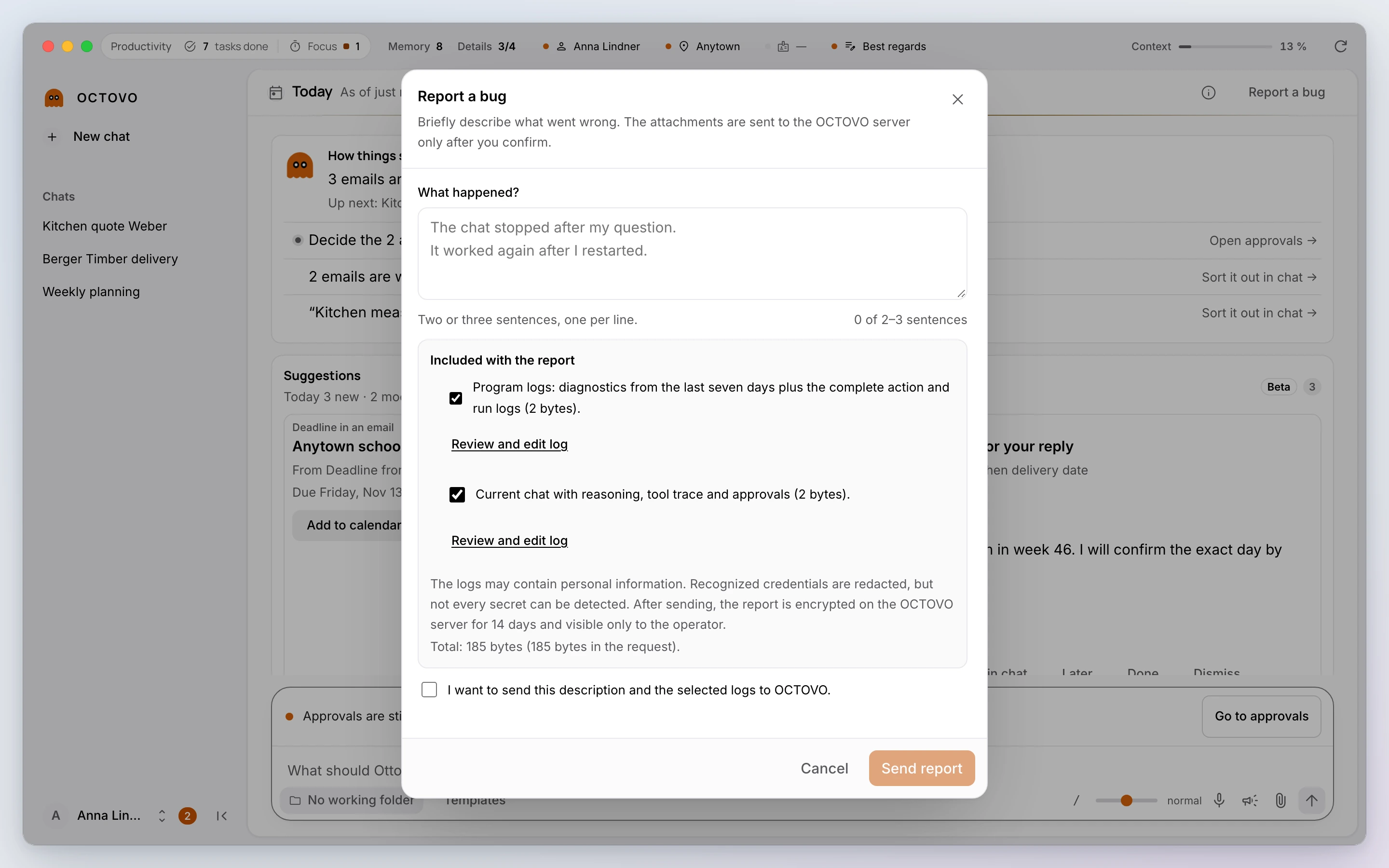
Describe a bug and send it to OCTOVO.
If something goes wrong, you send a report straight from the app. You find the “Report a bug” button at the top of the “Today” view.
The report
 Windows
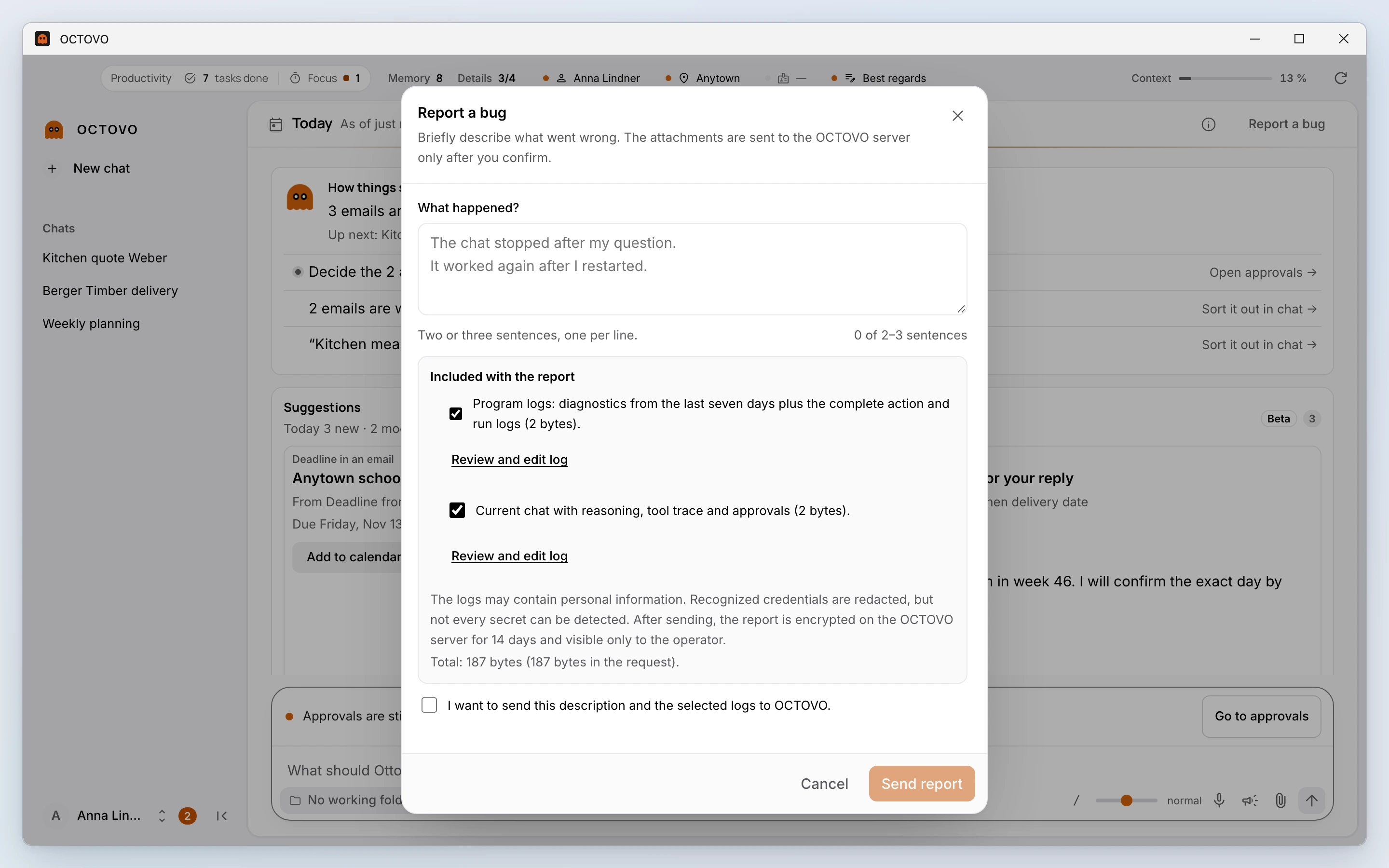
Describe in two or three sentences what happened. OCTOVO puts the attachments together on your computer. They only go out after you confirm. The logs can contain personal content; detected credentials are blacked out, but not every secret can be detected.
What you see:
- What happened? your description, one line per sentence.
- Included with the report the current chat and the program logs from the last seven days, each can be unselected.
- Review and edit log shows the attachments beforehand, you can shorten them.
- Confirmation “I want to send this description and the selected logs to OCTOVO.”
- Send report sends the report; you get a reference.
← Back: Troubleshooting · Next: Frequently asked questions →