Troubleshooting and FAQ
Troubleshooting
Common problems and what you can do.
On this page
Here are solutions for problems that come up more often. If none of them helps, report the bug straight from the app.
macOS
macOS warns on first open
OCTOVO is not yet notarised by Apple. Open “System Settings” › “Privacy & Security” and choose “Open Anyway”.
Windows
Windows SmartScreen stops the app
The installer does not have a code signature yet, so SmartScreen holds it back. In the notice, choose “More info” and then “Run anyway”.
Installing a new version
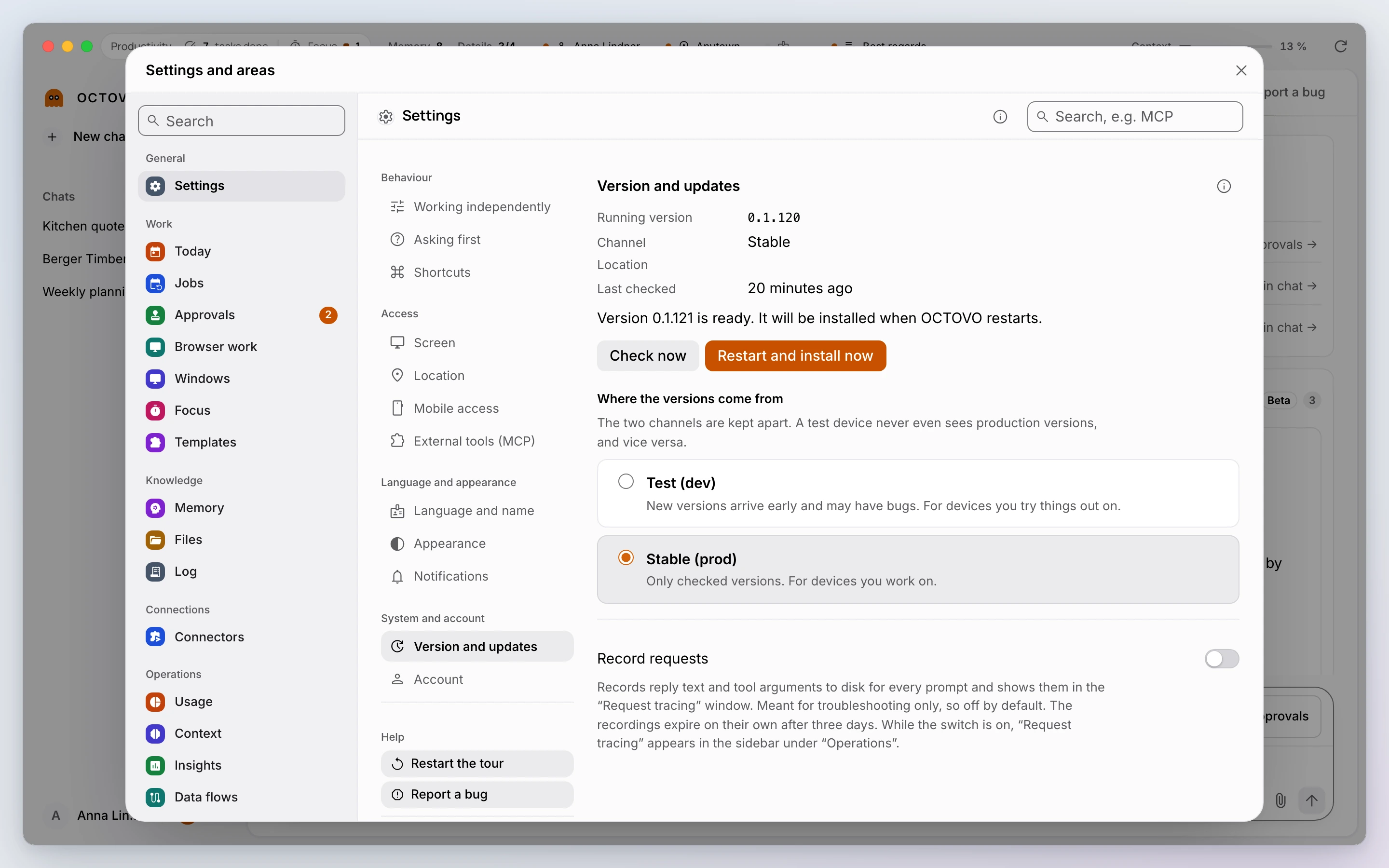 Windows
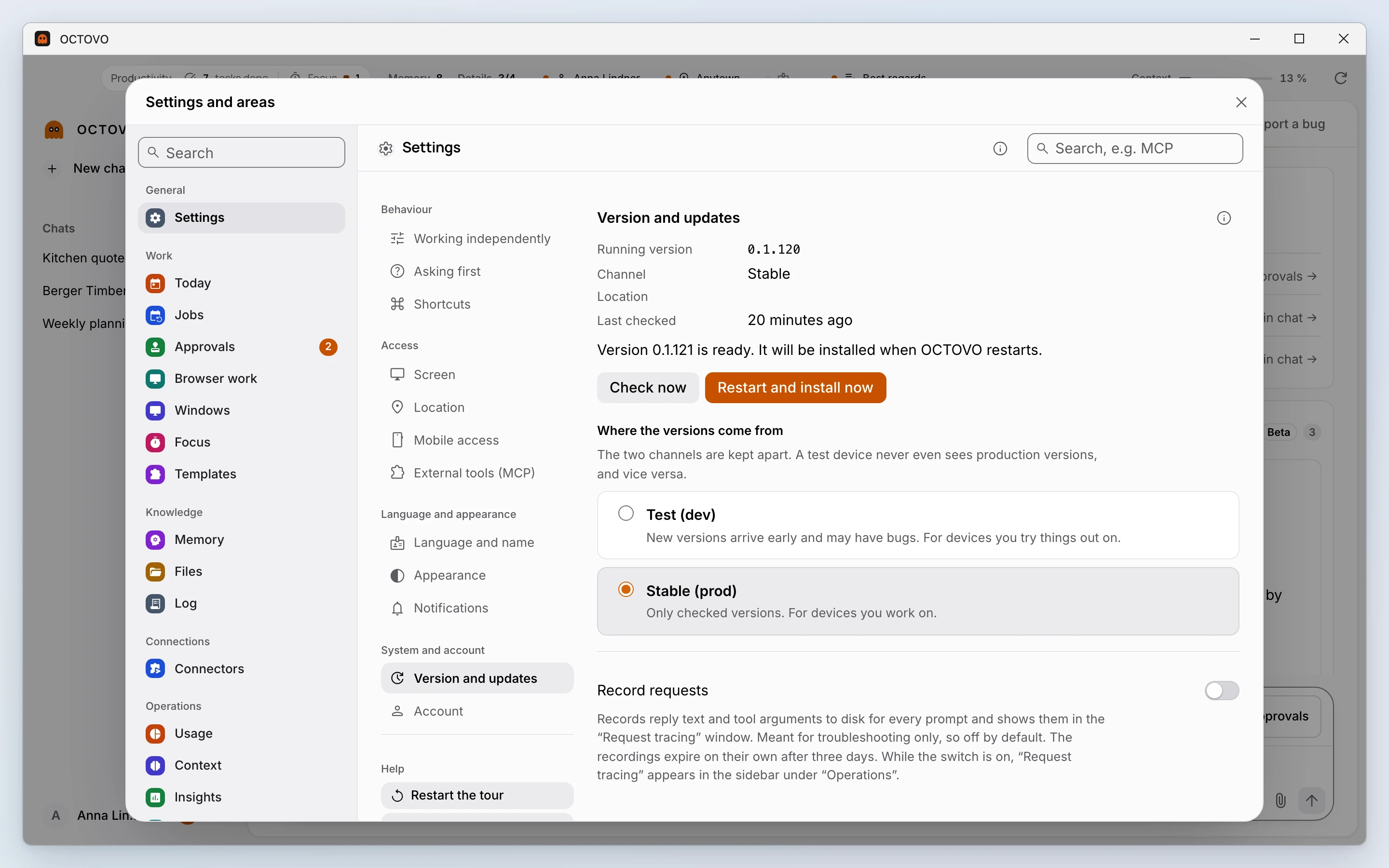
Under “Settings” › “Version and updates” you see the running version and check for a new one.
What you see:
- Running version the installed version.
- Check now looks for a new version right away.
- Restart and install now installs the version that was found.
Your assistant says the allowance is used up
The “Allowance” window shows the state. With the new period the counter starts again. Until then a top-up pack, automatic top-ups or a bigger plan will help.
The iPhone cannot reach the computer
The app needs a running computer. If it is closed or off, the app waits. If access from the iPhone was switched off on the computer, switch it on again under “Settings” › “Mobile access” and connect again.