Account, plan and billing
Password and sign-in
Change your password and sign in or out on the computer.
On this page
You manage your OCTOVO account in the browser on octovo.de. On the computer, the settings show which account you are signed in with.
Changing your password
In your account under “Security” you change your password. It needs 12 to 200 characters. Other browser sessions are then signed out; your connected computers stay connected.
What you see:
- Current password your previous password.
- New password / Repeat new password the new password, twice.
- Save password applies the change.
Your account on the computer
 Windows
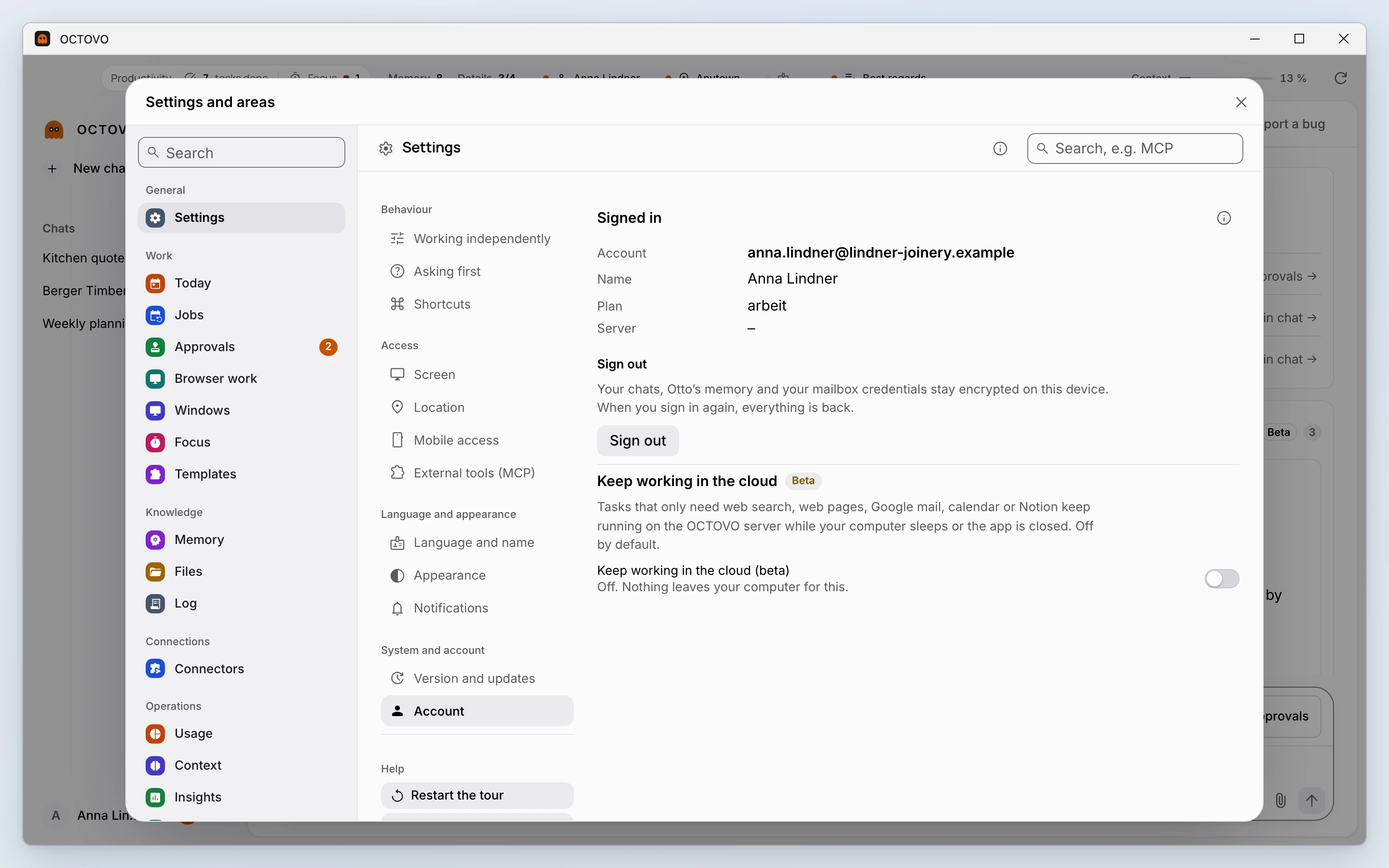
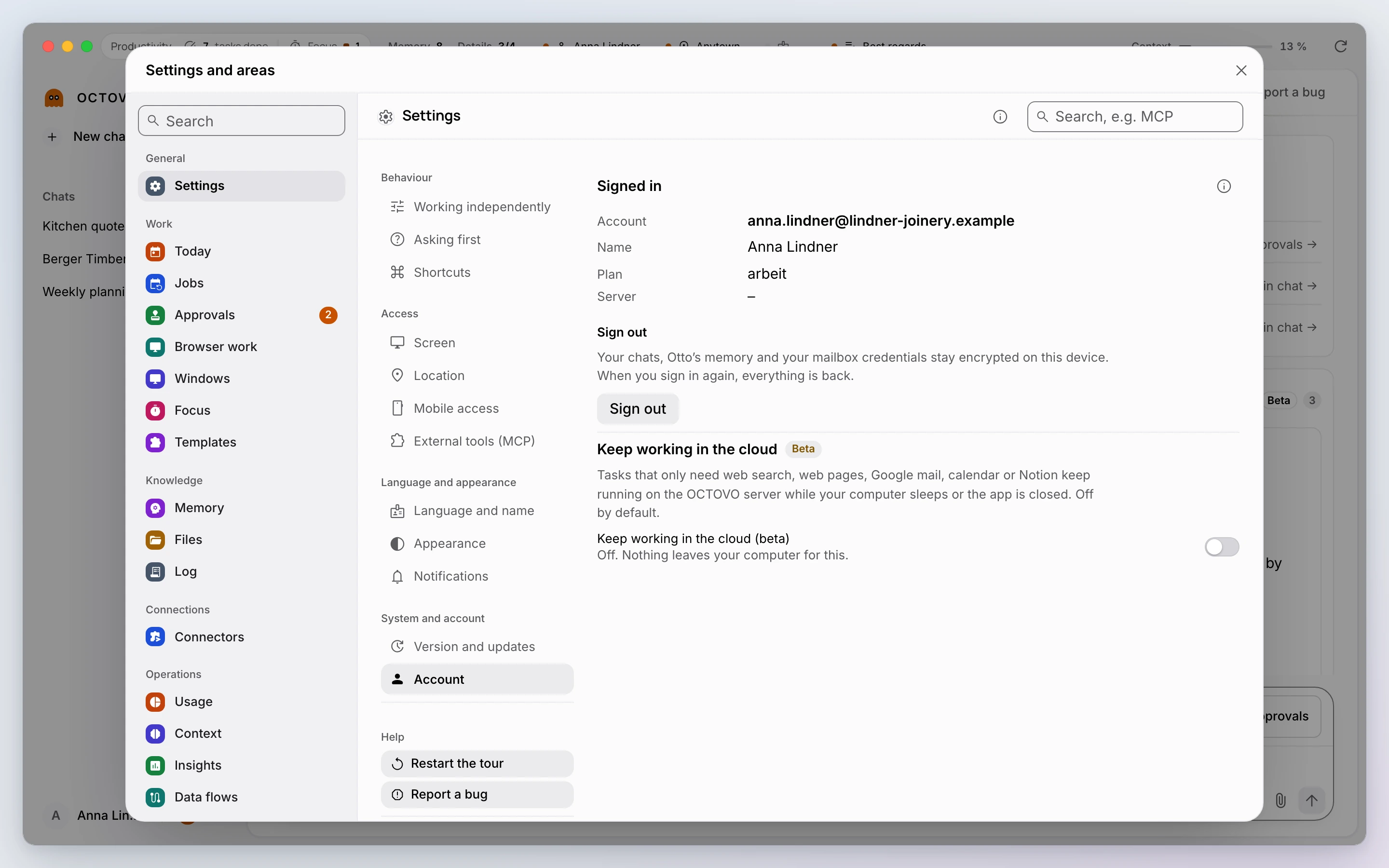
In the settings under “Account” you see name, account, plan and server. This is also where you sign out on the computer.
What you see:
- Signed in shows that the computer is connected to your account.
- Sign out signs the computer out, after asking for confirmation.
- Stay signed in cancels signing out.