Today and the day board
The day board
What “Today” shows and how to adjust the board.
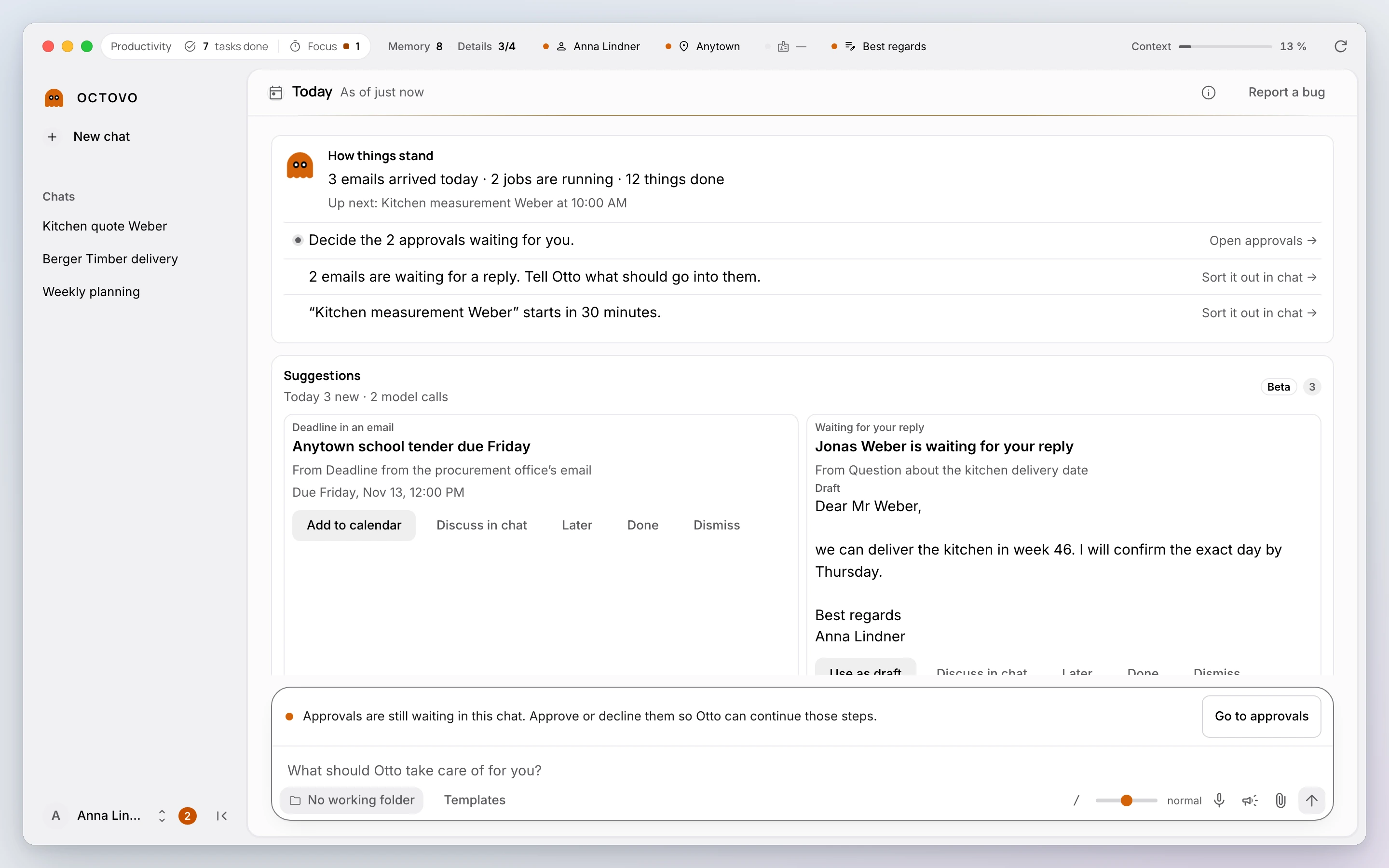
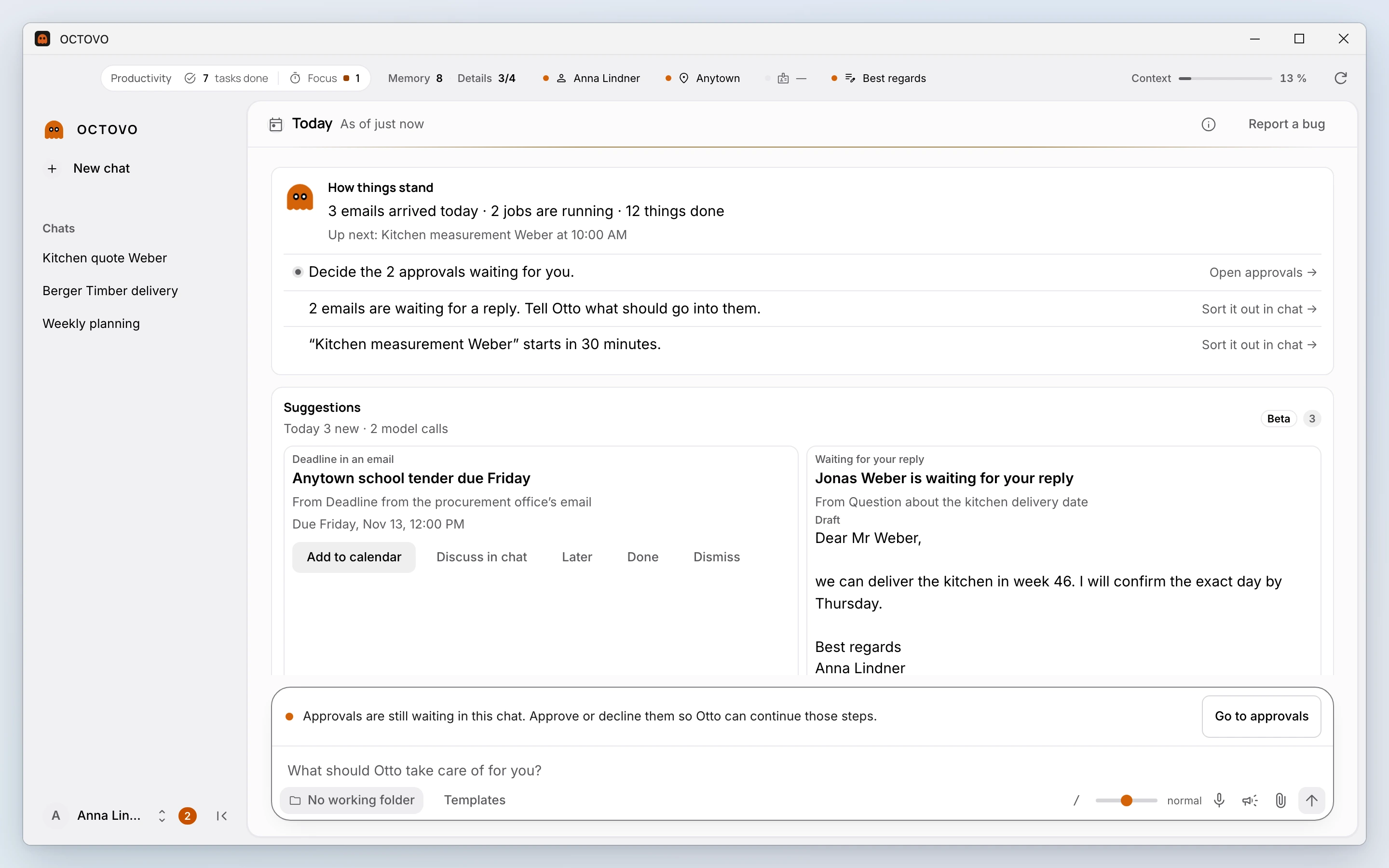
“Today” is your start page. The day board arranges itself around your situation: if an approval is pending it moves up, if your calendar is full the appointments move to the front.
The tiles
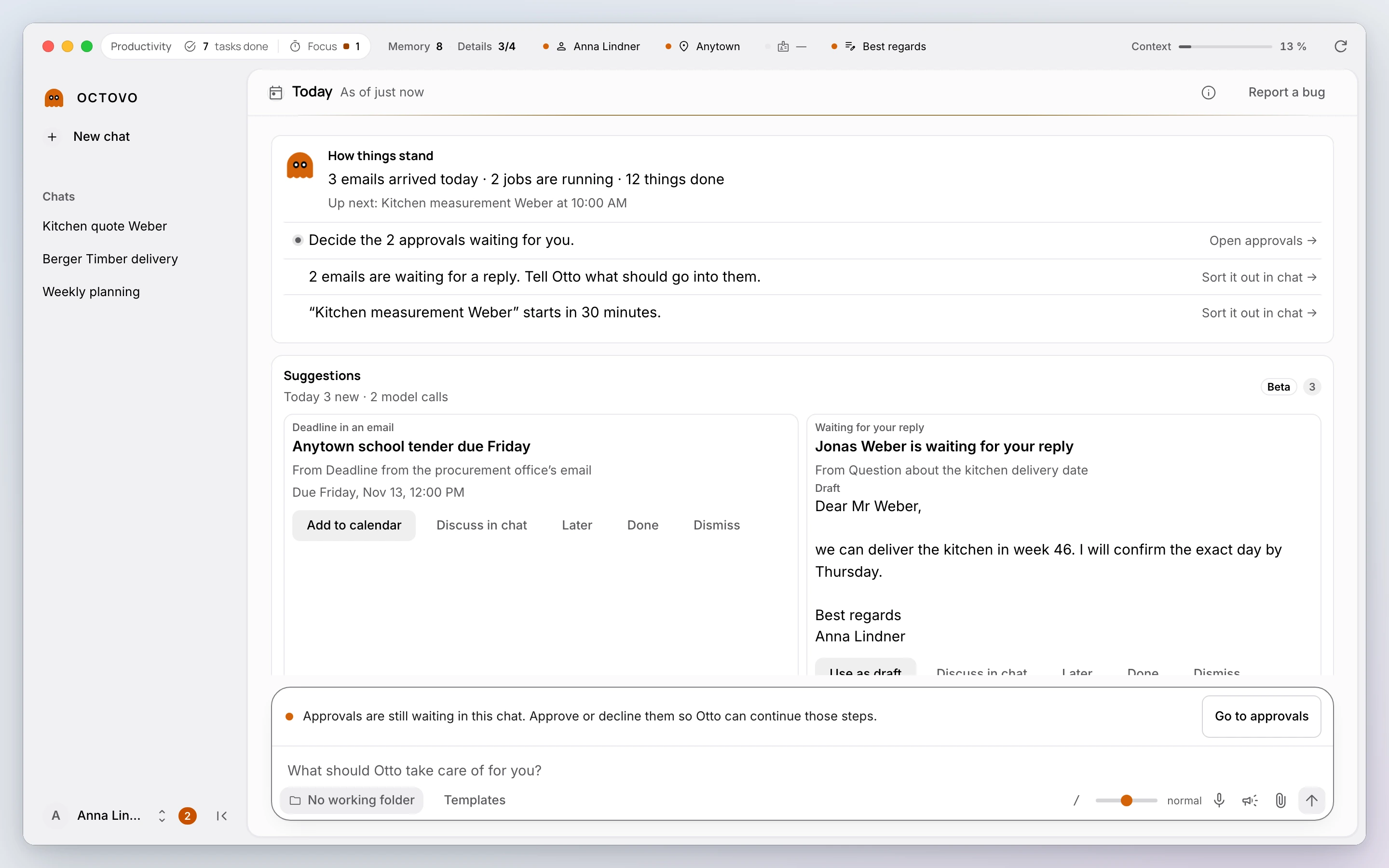 Windows
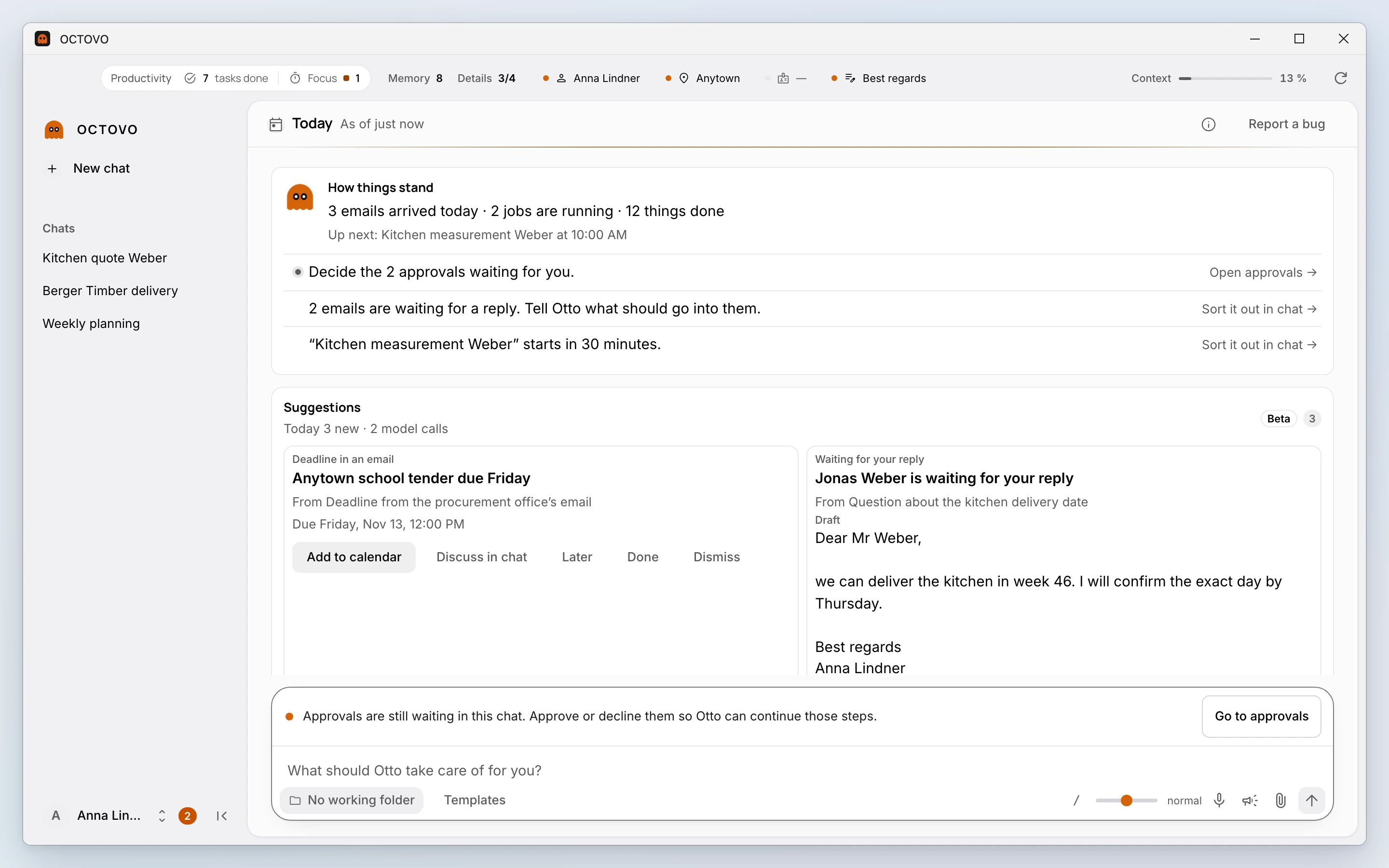
Each tile shows one part of your day.
What you see:
- How things stand the situation and “What would be next”.
- Your appointments with “Up next” and “running now”.
- Your inbox what arrived today and what has not been looked at yet.
- Your jobs what is due today, with “To the jobs”.
- Open approvals with “Look and decide”.
- The weather for where you work.
- Today’s work what was done, failed or is waiting today.
Why the board looks like this
 Windows
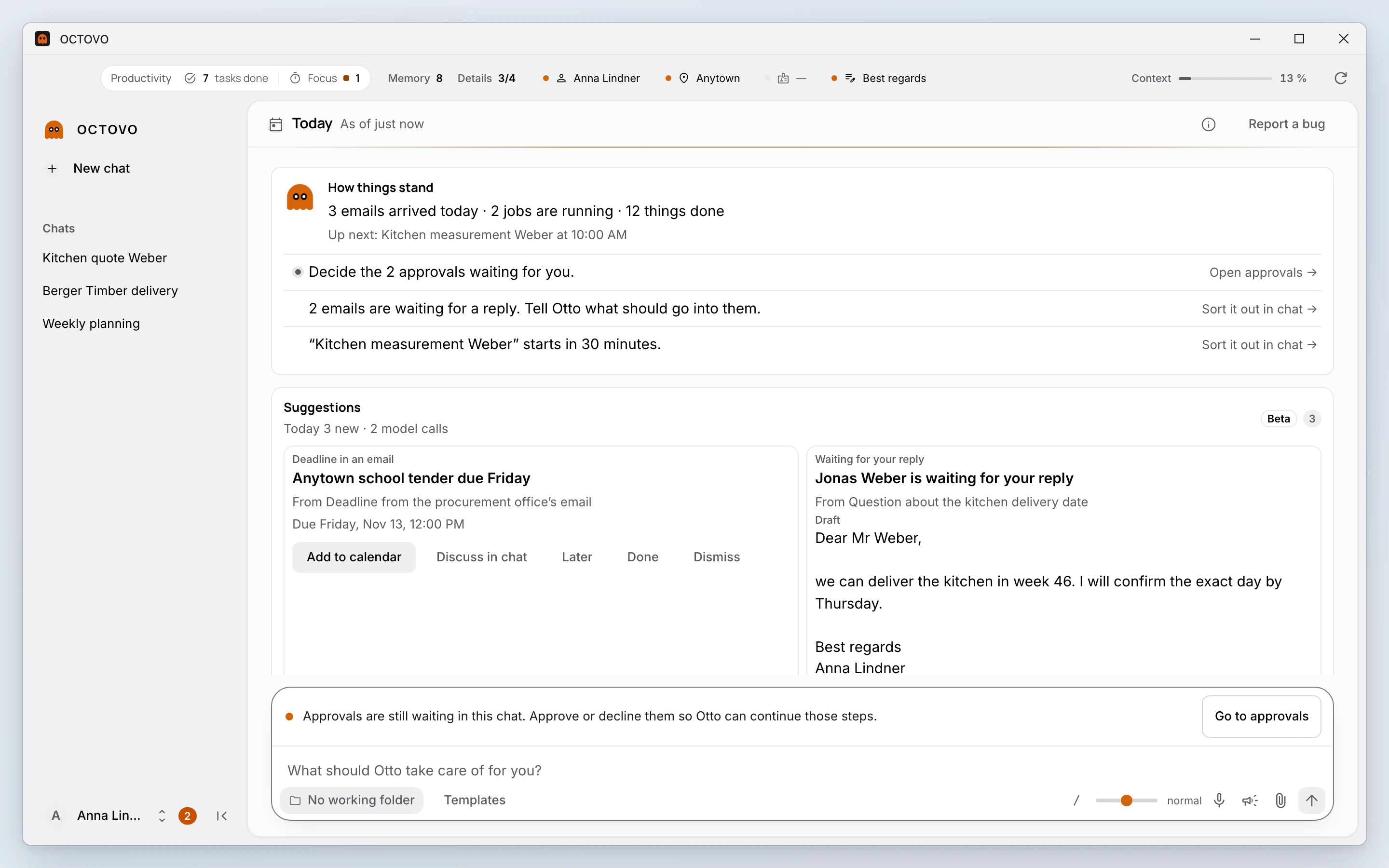
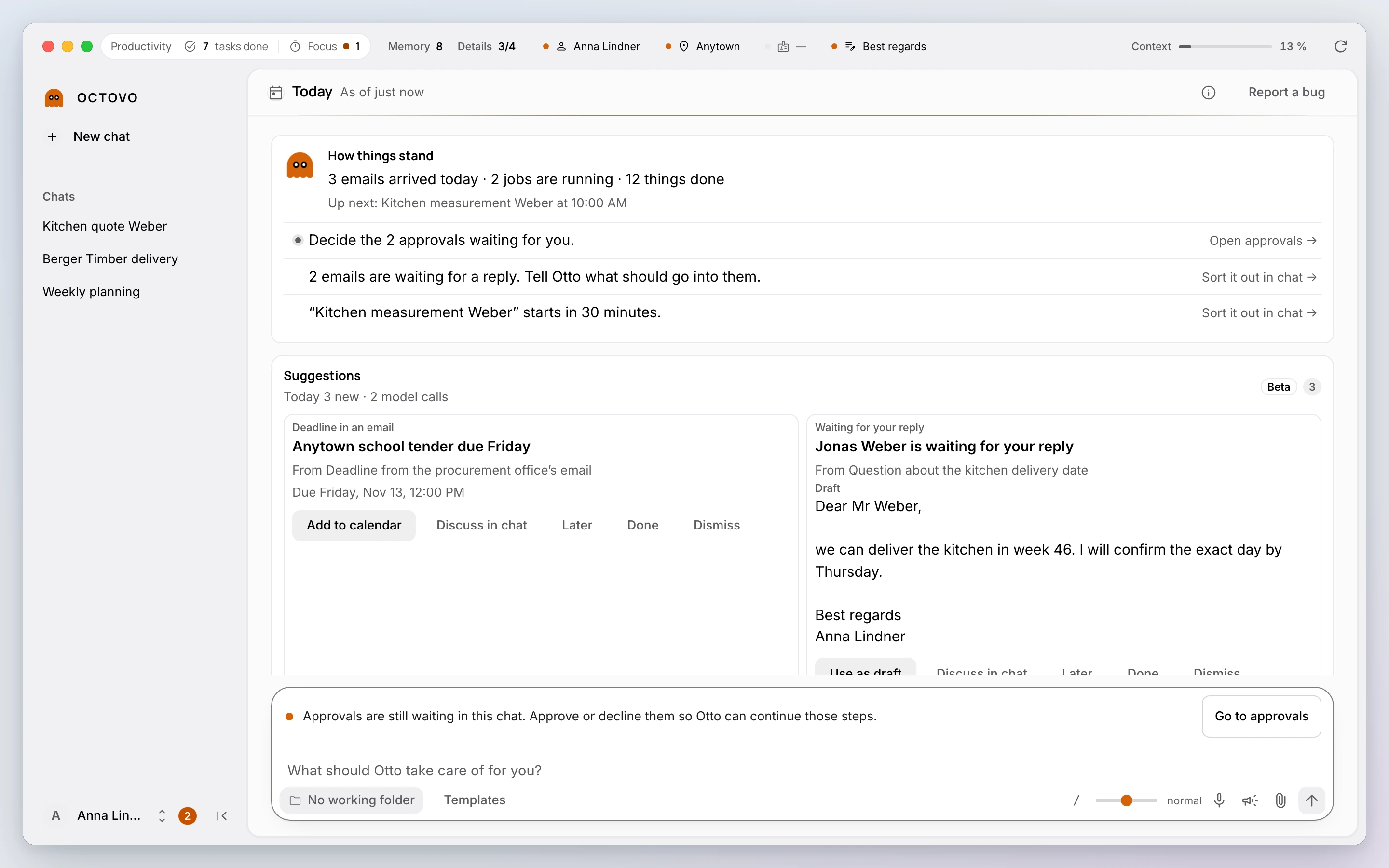
A click on “Why does it look like this?” shows the reason for each tile. When your situation changes, the board offers to rearrange itself.
What you see:
- Why does it look like this? opens the reasons.
- Reset the board restores the default order.
- Rearrange / Leave it accepts or declines a suggested new order.
- Remove tile removes a tile from the day board.
Working hours and place
 Windows
In the “Your day” tile you set your working hours. For the weather you enter where you work. Only the place name goes out for that.
What you see:
- Change working hours From and To of your working day.
- Where you work the place used for the weather, with “Remember”.